
TL;DR
- Character appearance changes are permanently locked after initial creation with no in-game barbers or surgeons
- Use helmet visibility settings and perspective switching as primary workarounds for disliked appearances
- Armor customization provides limited visual variety but cannot alter core character features
- Plan your character carefully during creation as body type, face, and hairstyle remain fixed
- Third-person to first-person switching minimizes visual exposure to your character’s permanent features
When your character’s visual design no longer appeals to you in The Outer Worlds 2, understanding the game’s restrictive customization system becomes essential. Unlike many modern RPGs that offer ongoing appearance modification, this sequel maintains strict limitations on cosmetic alterations throughout your journey across the Arcadia system.
To effectively modify your visual presentation in The Outer Worlds 2, players must either act during the brief initial creation window or rely exclusively on equipment-based solutions. This design philosophy prioritizes character consistency over flexible customization, creating a more permanent connection between player and avatar.
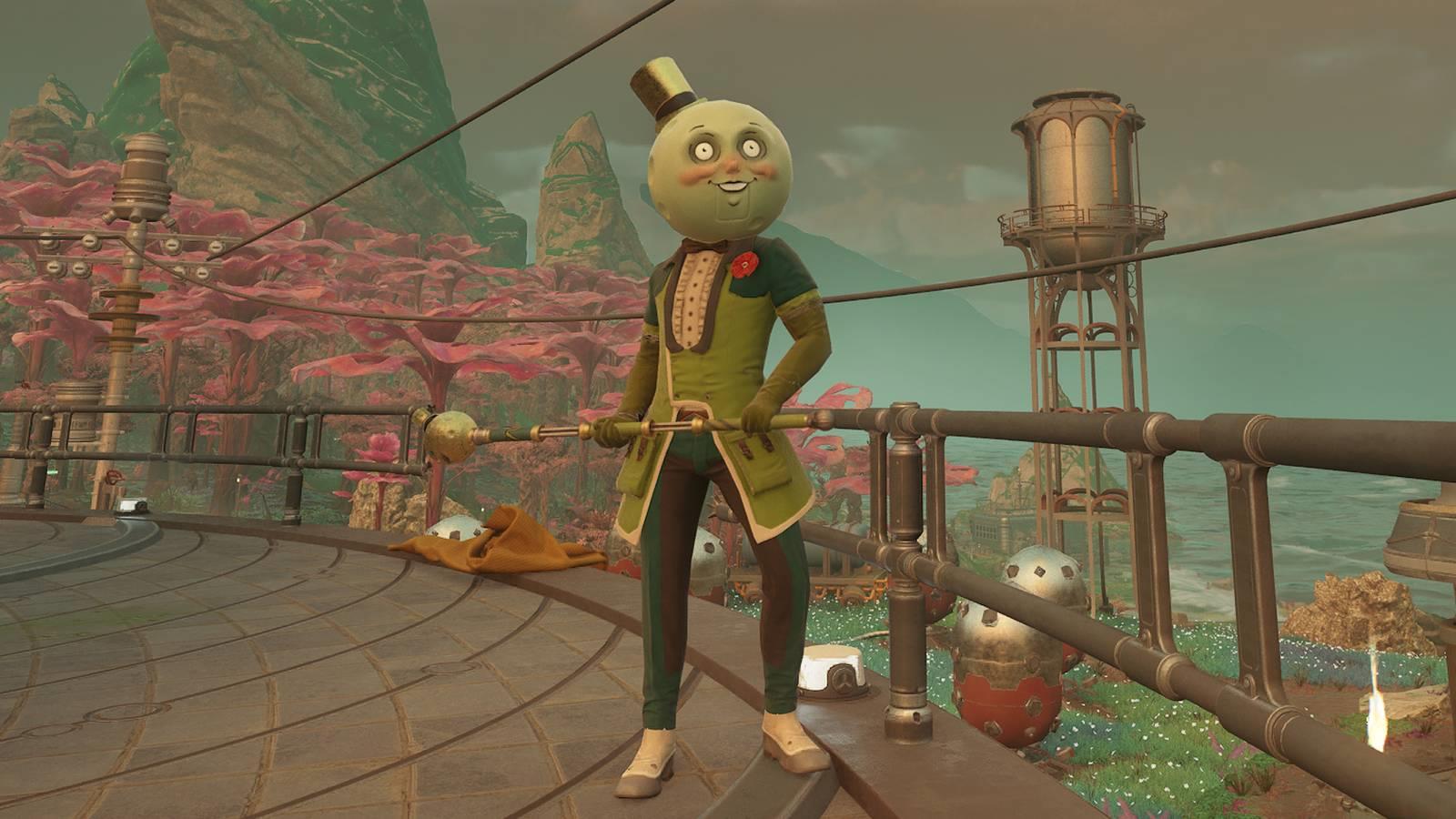
Here’s the comprehensive breakdown of how character appearance mechanics function in The Outer Worlds 2. For players navigating the complexities of the Arcadia system, our interactive map provides essential orientation assistance alongside this appearance guide.
Once you complete the initial character creation sequence and begin your adventure, cosmetic modifications become permanently unavailable in The Outer Worlds 2. While the game does provide opportunities to respec your skill points and perk selections after completing the inaugural mission “A Cause Worth Killing For,” these reset options deliberately exclude any appearance-altering features.
This means that if you desire significant physical alterations like prosthetic limbs or dramatic body modifications, these decisions must be finalized when starting a new game. Through extensive gameplay analysis, we’ve confirmed the absence of traditional appearance-changing services—no barbershops, cosmetic surgeons, or mystical transformation devices exist within the game world. Your initial selections for hairstyle, facial structure, and body type become immutable aspects of your character’s identity.
Common Mistake: Many players rush through character creation assuming they can adjust appearances later, only to discover the permanent nature of their decisions. Take extra time during creation to avoid this disappointment.
Despite the rigid limitations on fundamental appearance changes, several practical workarounds can refresh your character’s look. Equipment customization offers the most flexibility—you can equip different body armor sets to achieve varied aesthetic presentations, or utilize distinctive helmets for dramatic visual transformations.
Navigate to the “Settings” menu and select “Gameplay” to access the crucial helmet visibility toggle. This option allows you to conceal or display headgear regardless of actual equipment status, providing control over how much of your character’s face remains visible during gameplay.
If you find yourself particularly dissatisfied with your character’s appearance and have been playing primarily in third-person perspective, switching to first-person view presents an effective solution. While this doesn’t actually change your appearance, it significantly reduces how often you see your character’s model—only appearing during inventory screens and specific menu interactions.
Optimization Tip: Combine helmet hiding with first-person perspective for maximum effect. This dual approach minimizes exposure to disliked character features while maintaining gameplay functionality.
For players committed to long-term satisfaction with their character’s appearance, strategic planning during the creation phase becomes paramount. Allocate sufficient time to thoroughly explore all customization options before finalizing your character, as these decisions will persist throughout your entire playthrough.
Time Investment: Dedicate 15-20 minutes during character creation to experiment with different combinations. This upfront investment prevents dozens of hours of dissatisfaction later.
Consider how your appearance choices might align with different roleplaying approaches or faction allegiances. While The Outer Worlds 2 doesn’t directly tie appearance to gameplay mechanics, your visual presentation can enhance narrative immersion and character identity consistency.
For comprehensive guidance on building an effective character beyond appearance considerations, consult our Class Guide for specialization strategies and our Weapons Unlock resource for combat optimization. These complementary guides ensure your character remains both visually coherent and mechanically effective throughout your Arcadia adventure.
Action Checklist
- Spend 15+ minutes in character creation testing all appearance options thoroughly
- Access Gameplay Settings to configure helmet visibility preferences
- Switch to first-person perspective if dissatisfied with character appearance
- Collect multiple armor sets for visual variety throughout your playthrough
- Consult advanced build guides before character creation for long-term planning
No reproduction without permission:Game Guides » Can you change your appearance in The Outer Worlds 2? Master character customization limitations and workarounds in The Outer Worlds 2 with expert strategies