
TL;DR
- Sidekick appearance changes are permanent and require repurchasing for additional styles
- Access customization through Locker menu > Sidekicks tab > Edit Style option
- Renaming costs 500 V-Bucks and provides personalization without appearance changes
- Sidekicks typically cost 800-1,200 V-Bucks depending on rarity and bundle
- Plan your customization carefully to avoid costly mistakes and maximize value
Transform your companion’s visual identity with lasting modifications
Sidekicks represent Fortnite‘s implementation of pet companions that accompany players across various game modes. These digital companions enhance gameplay immersion by providing constant company during matches, creating a more engaging experience for players who appreciate having loyal allies by their side throughout their gaming sessions.
Beyond their basic functionality, Sidekicks offer extensive personalization options that allow players to modify their visual presentation and assign custom names, creating truly unique companions. However, understanding the limitations and permanent nature of these customizations is crucial before making any changes.
This comprehensive guide details the complete process for personalizing your Sidekicks in Fortnite through appearance modifications and name changes while highlighting important considerations.
Before committing to any appearance alterations for your Sidekick, recognize that every visual modification becomes irreversible once confirmed. The game provides no option to revert changes or experiment with different styles on the same companion. Should you desire an alternative appearance later, you must acquire an identical Sidekick again through the in-game store. Pricing varies between companions, with costs typically ranging from 800 to 1,200 V-Bucks for standard editions.
Therefore, carefully consider your preferred style before finalizing decisions, as correction requires significant financial investment. Many players benefit from reviewing our Class Guide for strategic thinking approaches that apply to customization decisions.
To modify your Sidekick’s visual presentation, execute these sequential steps:
- Navigate to the “Locker” interface from the main menu.
- Select the “Sidekicks” category located on the left navigation panel.
- Choose the specific companion you wish to customize from your collection.
- Access the “Edit Style” option to view available appearance variations.
- Preview different styles before confirming your selection.
- Confirm your choice understanding the change becomes permanent.
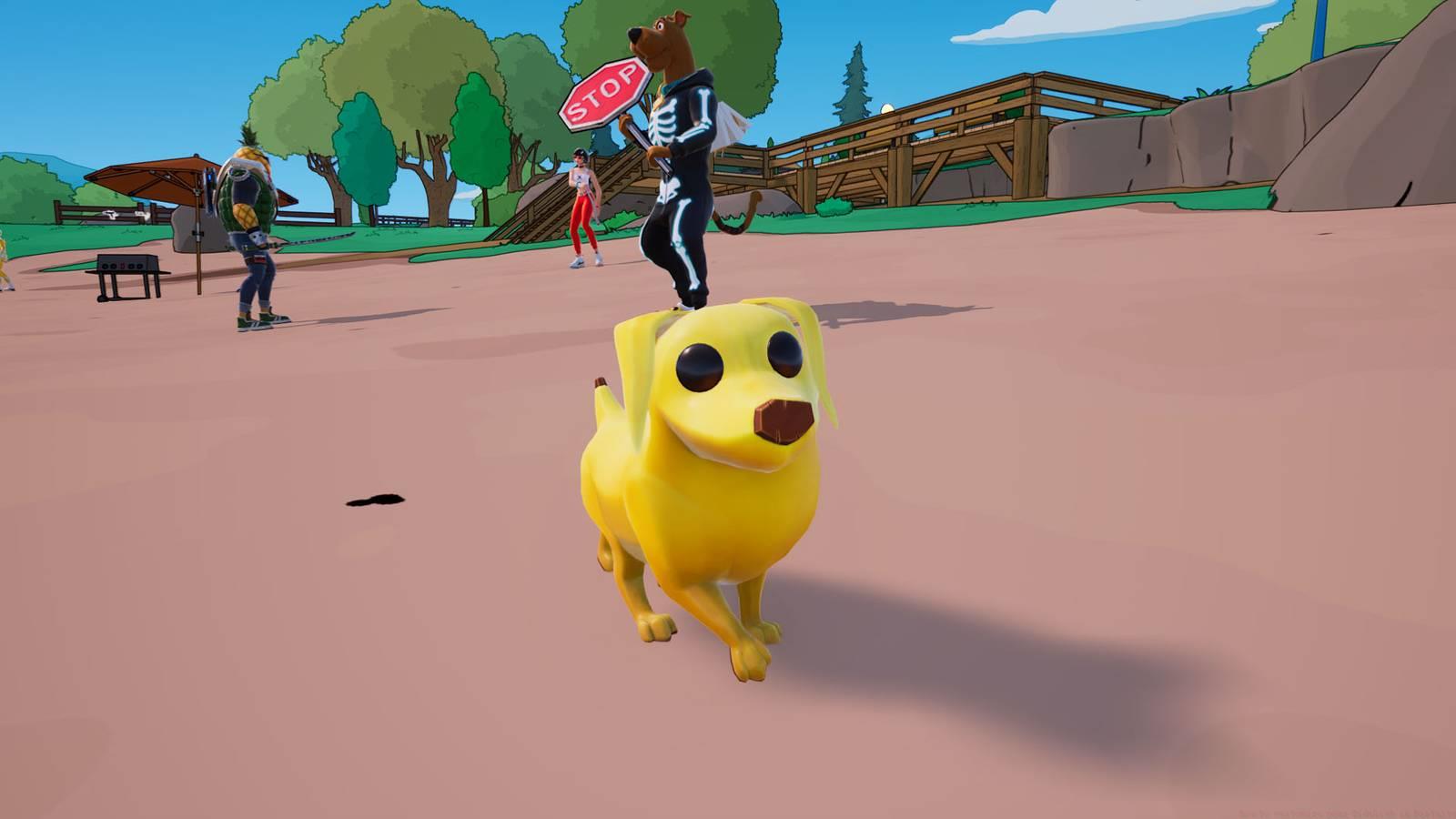
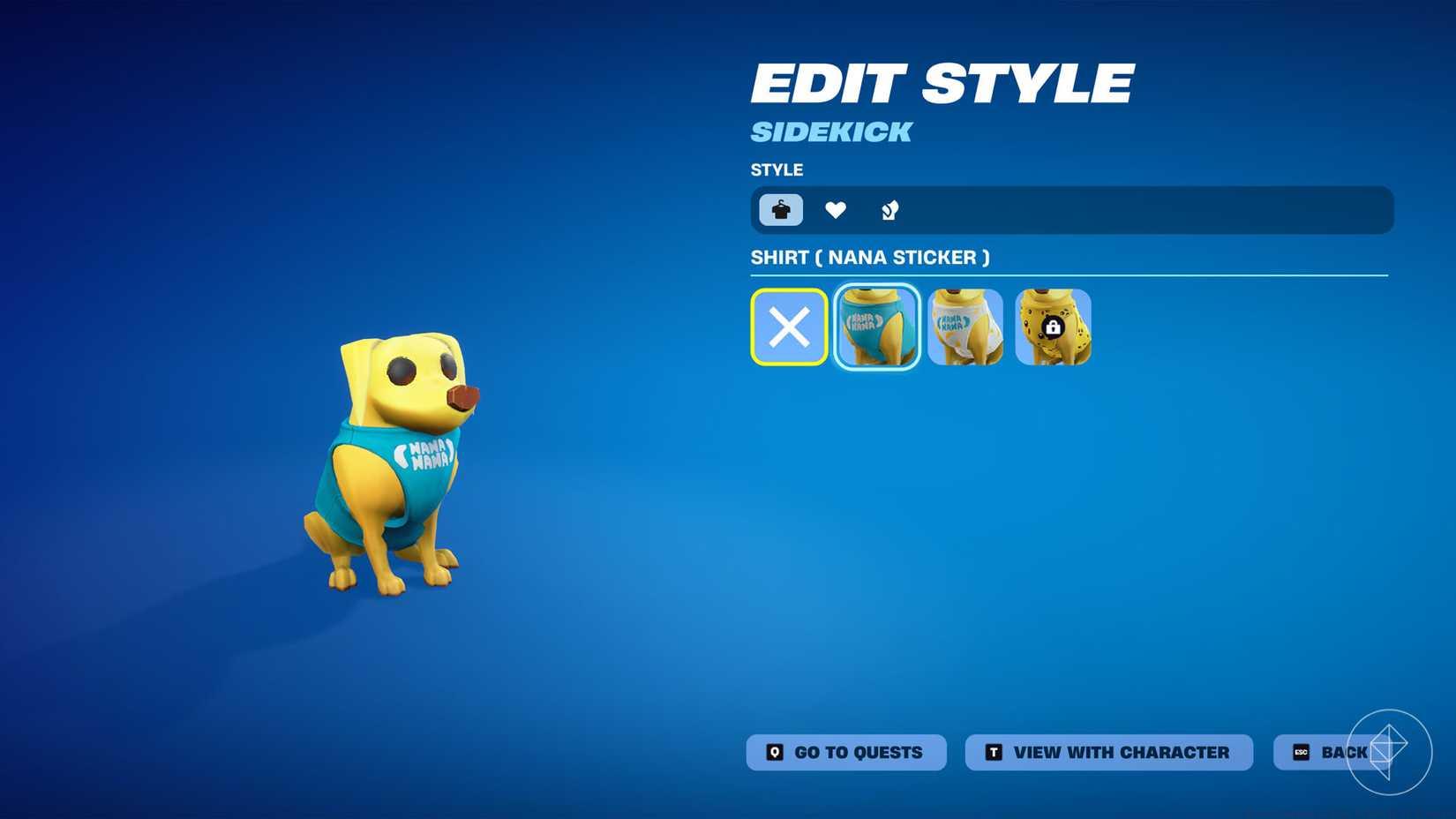
Image: Epic Games via Polygon
Each Sidekick typically offers 3-5 distinct style variations that may include color schemes, accessory changes, or thematic alterations. Higher rarity Sidekicks often provide more extensive customization options. The editing interface allows real-time previews so you can see exactly how your companion will appear in matches.
Pro Tip: Test different styles in various in-game environments since lighting conditions can significantly affect how your Sidekick appears during actual gameplay. Consider how your Weapons Unlock preferences might complement your Sidekick’s visual theme for cohesive personalization.
Personalizing your companion’s name provides identity customization without altering visual elements. The renaming process requires 500 V-Bucks per change and follows this procedure:
- Access your Sidekick through the Locker menu as previously described.
- Locate and select the “Rename” option in the customization panel.
- Enter your desired name following character limit guidelines.
- Confirm the name change and V-Bucks deduction.
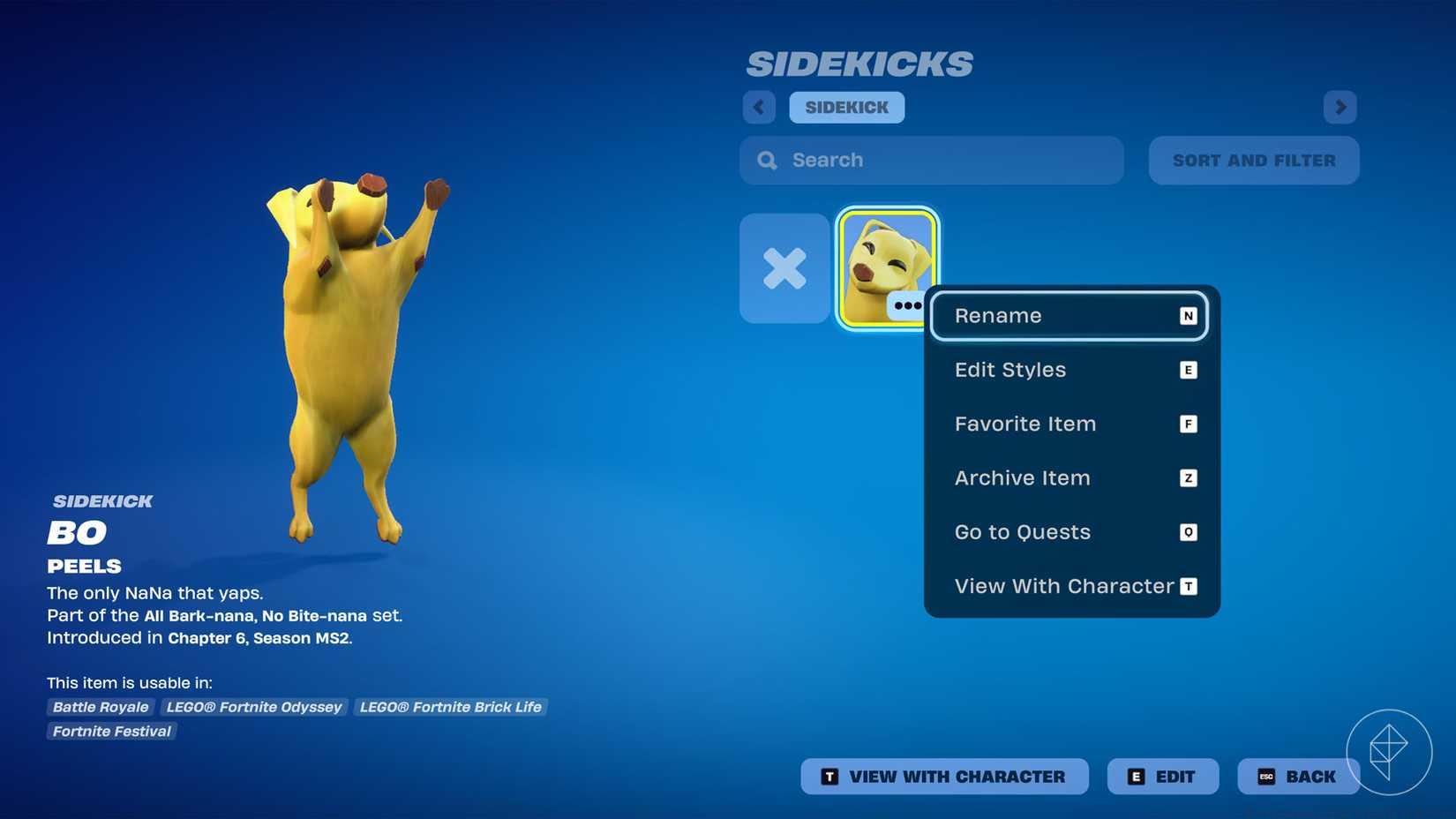
Image: Epic Games via Polygon
Name changes operate under specific constraints: maximum 16 characters, no profanity or offensive terms, and compliance with Epic Games’ content policies. The system automatically checks proposed names against these guidelines.
Strategic Naming Advice: Consider names that reflect your playstyle or gaming persona. Many competitive players choose names that complement their strategic approach, similar to considerations in our Complete Guide to game optimization. Unlike appearance modifications, names can be changed multiple times (with associated costs), allowing seasonal or thematic updates.
Common Mistake: Players often underestimate the character limit and create truncated names. Draft your ideal name elsewhere first to ensure it fits within constraints before spending V-Bucks.
Understanding the financial implications of Sidekick customization prevents unexpected V-Bucks depletion. Standard Sidekicks cost between 800-1,200 V-Bucks, while premium or bundle versions may reach 1,500-2,000 V-Bucks. Appearance changes themselves don’t incur additional costs beyond the initial purchase, but each style selection is permanent.
Budget Strategy: For players wanting multiple appearance options, consider purchasing duplicate Sidekicks during sales or as part of value bundles. The Item Shop frequently features discounts on older Sidekick models, providing cost-effective opportunities for customization variety.
Advanced Approach: Serious collectors should monitor the Item Shop rotation schedule since Sidekicks typically reappear every 30-45 days. Planning purchases around this cycle maximizes value and ensures you don’t miss limited-time offerings.
Remember that name changes represent recurring costs at 500 V-Bucks per modification. If you enjoy frequently updating your companion’s identity, budget accordingly. Unlike weapon skins or emotes, Sidekicks provide persistent companionship across all game modes, making them potentially higher-value customization investments for dedicated players.
Final Recommendation: Always preview customization options extensively before committing, as buyer’s remorse can be expensive. The permanent nature of appearance decisions means careful consideration ultimately saves significant resources.
Action Checklist
- Access Locker menu and navigate to Sidekicks tab
- Preview all available styles before selecting
- Confirm appearance choice understanding permanence
- Budget 500 V-Bucks for name changes if desired
- Monitor Item Shop for duplicate Sidekick sales
No reproduction without permission:Game Guides » How to customize your Sidekick in Fortnite Complete guide to customizing Fortnite Sidekicks with permanent appearance changes and naming options