
TL;DR
- Valve accidentally broke bhopping in July 28 update but confirmed no intent to remove it
- Use console command ‘sv_subtick_movement_view_angles 0’ to restore pre-update jumping behavior
- Advanced players should combine fps_max 300 with proper strafing techniques for optimal results
- Practice servers provide the best environment for testing and mastering restored bhopping mechanics
- Monitor official channels for permanent fixes while using current temporary solutions
Games and Esports Articles CS 2
The July 2025 CS2 update introduced unexpected changes to movement mechanics that disrupted bhopping functionality across all game modes. Following the initial patch, a subsequent update failed to address the core issues, leading many competitive players to speculate about intentional removal of the advanced movement technique. However, direct communication from Valve development team members has clarified this was purely an unintended side effect of broader animation system improvements.
CS2 game designer John McDonald provided official confirmation that the development team never intended to eliminate bhopping from the game. His statement emphasized Valve’s commitment to preserving advanced movement options that have become integral to high-level CS2 gameplay. The technical breakdown occurred when the July 28 patch implemented comprehensive first-person animation overhauls, which inadvertently altered the subtick movement calculations responsible for consistent bhopping physics.
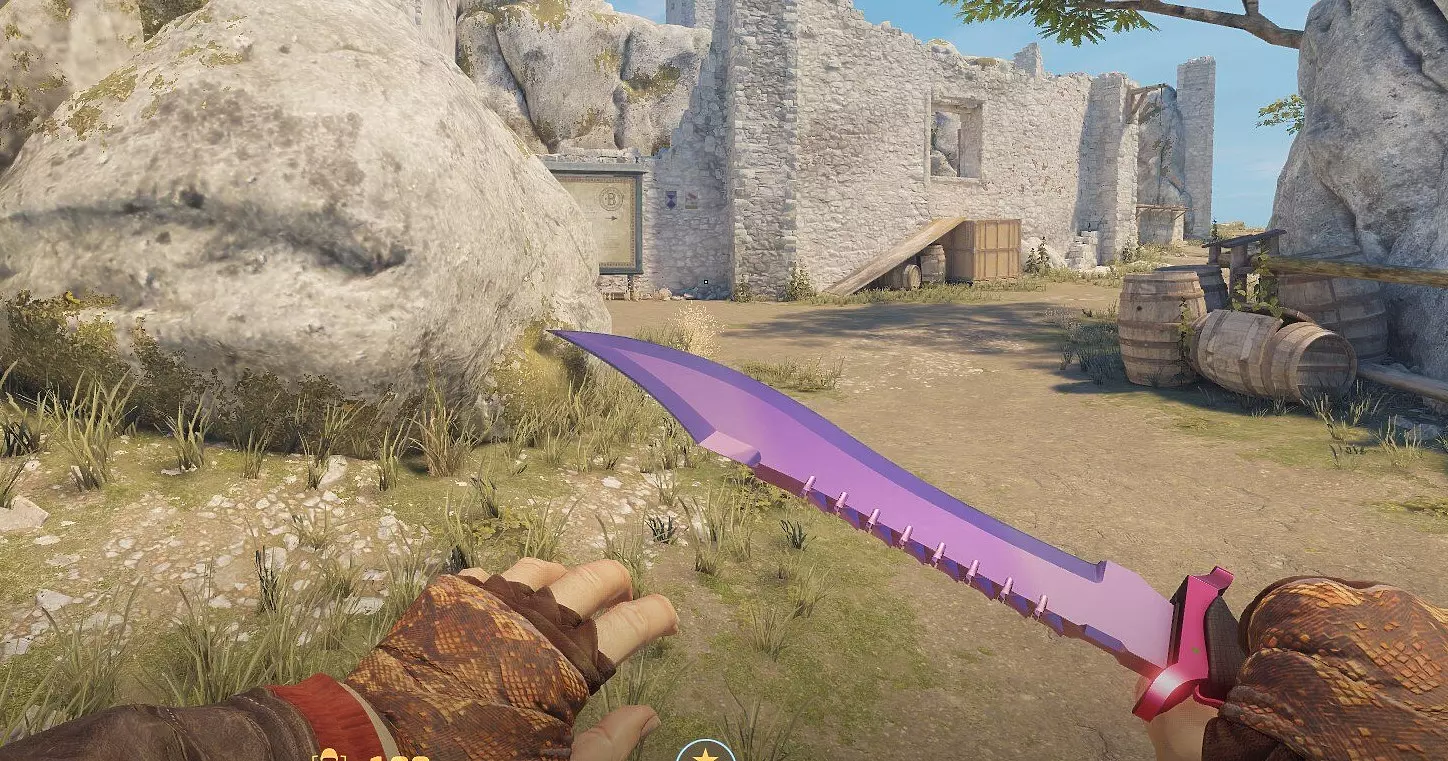
How to fix bhopping after July 28 patch in CS2
Begin by accessing a dedicated practice server where console commands function without restrictions. Activate the developer console using the tilde (~) key, typically located below the Escape key on standard QWERTY keyboards. Input the primary restoration command exactly as specified to reset movement calculations:
- sv_subtick_movement_view_angles 0
Verify the effectiveness of the initial command by attempting basic bhopping maneuvers. Most players report immediate restoration of pre-update jumping physics, though some systems may require additional optimization. If initial results prove unsatisfactory, implement this secondary performance command:
- fps_max 300
The frame rate limitation adjustment works synergistically with the primary command to recreate the precise timing windows necessary for consistent bhopping execution.
New CS2 datamine leaks: return of Retake mode, Cache rework, in-game gambling for skins, and Night Ancient map
Mastering restored bhopping mechanics requires understanding the interplay between movement commands and player inputs. The ‘sv_subtick_movement_view_angles 0’ command specifically addresses how the game processes view angle data between subtick updates, which directly impacts momentum preservation during consecutive jumps.
Common mistakes include improper strafing technique synchronization and attempting bhops on uneven surfaces before verifying command effectiveness. Advanced players should practice on flat surfaces like practice_aim maps to build muscle memory with the corrected physics.
For optimal performance, combine the movement restoration commands with proper mouse sensitivity settings (typically between 1.5-2.5 at 400 DPI) to maintain precise aerial control. Many professional players recommend spending 15-20 minutes daily in practice servers to readapt to the restored mechanics.
Why Valve removed bhop from CS2
Contrary to initial community concerns, Valve never intentionally removed bhopping functionality from CS2. The disruption resulted from broader technical improvements to the game’s animation system that required recalibration of movement physics. John McDonald’s statement provides clear evidence of Valve’s position:
Just so it’s been said: there’s no intent to break bhopping (at this time, or in the foreseeable future).
The comprehensive July 28 update completely redesigned first-person animations while implementing significant balance adjustments across multiple competitive maps. These systemic changes inadvertently affected the delicate timing mechanisms that bhopping relies upon, creating the need for temporary console-based solutions.
While the development team works on implementing permanent fixes, the current console commands provide reliable temporary restoration of bhopping capabilities. Players should monitor official patch notes for announcements regarding native bhopping support restoration.
All Inferno, Overpass, Train map changes of new patch in CS2. Tips, tricks, and grenade lineups after last update
Train and Inferno meta shifts.
Action Checklist
- Join practice server and open console with ~ key
- Enter ‘sv_subtick_movement_view_angles 0’ command
- Test bhopping on flat surface to verify restoration
- If needed, add ‘fps_max 300’ for optimal timing windows
- Practice advanced strafing techniques with restored mechanics
No reproduction without permission:Game Guides » How to fix bhopping in CS2. How to enable bhops after July 2025 update Complete CS2 bhopping restoration guide with developer-confirmed fixes and advanced movement techniques