
TL;DR
- Create new platform accounts with VPN-enabled regions to bypass geo-restrictions
- Maintain VPN connection during installation and gameplay for PC access
- Use alternative app stores or modified Google accounts for Android installation
- Understand the legal implications and performance trade-offs before proceeding
- Implement security measures to protect your accounts and personal information
Games and Esports Articles
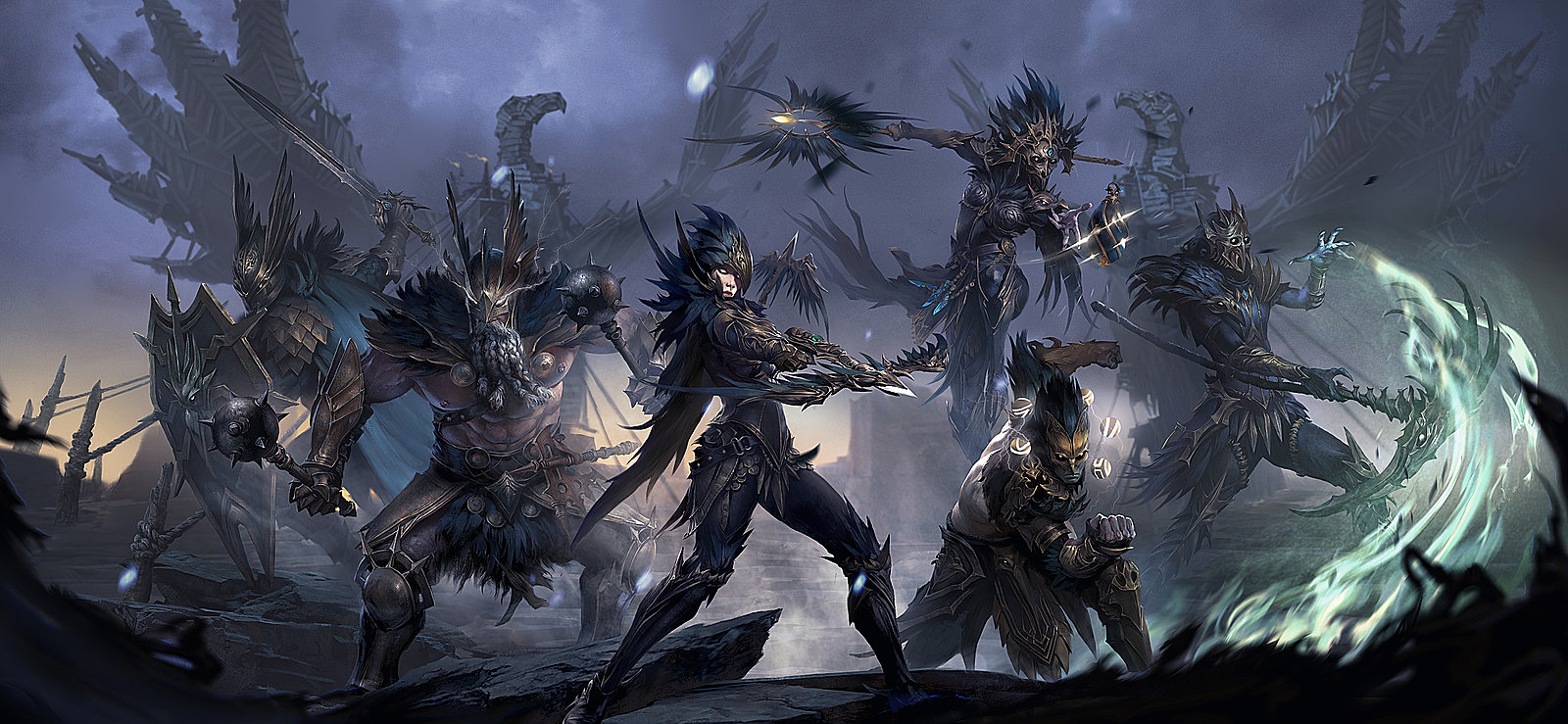
Blizzard Entertainment’s mobile-first RPG Diablo Immortal represents their first major release in over six years, but players in Belgium and Netherlands face significant access barriers. These restrictions stem from stringent gambling legislation targeting loot box mechanics, which both countries classify as gambling activities. The game’s monetization system includes randomized rewards that violate local gaming regulations, creating a complex legal landscape for players attempting to access the content.
Regional blocking affects all three platforms—PC, iOS, and Android—through different technical implementations. Understanding these mechanisms is crucial for developing effective workarounds while maintaining awareness of potential legal and technical risks involved in bypassing these restrictions.
PC
- Begin by accessing the Battle.net website through a reliable VPN service connected to an unrestricted region like France or Germany
- Establish a completely new Battle.net account using an email address not associated with your primary gaming accounts
- During country selection, choose any territory where Diablo Immortal remains accessible
- Complete registration with alternative personal details to maintain account separation
- Install the Battle.net desktop application while maintaining your VPN connection throughout the process
- If the game doesn’t appear in your library, manually download the installer directly from Blizzard’s official resources
- Initiate the game download while keeping your VPN active to prevent regional verification failures
Continuous VPN usage remains mandatory during gameplay sessions. Select servers geographically close to your actual location to minimize latency—European players typically achieve best performance with French, German, or UK-based VPN endpoints. Consider investing in premium VPN services that offer gaming-optimized servers for smoother performance.

iOS
- First, sign out completely from your existing iCloud account to prevent regional conflicts
- Generate a new Apple ID specifically for game access purposes
- Access the App Store using your freshly created account credentials
- Configure the “Country/Region” setting to any territory where Diablo Immortal remains available (France works reliably)
- Search for Diablo Immortal within the App Store interface and commence installation
Apple’s ecosystem presents unique challenges for region switching. The platform tightly integrates payment methods with regional settings, requiring careful account management. Many players successfully maintain separate Apple IDs for different regional stores, switching between them as needed for various gaming titles.
Android
Android users benefit from multiple installation pathways. The primary recommended method involves downloading through the TapTap app store, which frequently carries region-free versions. The secondary approach requires sourcing game APK files for manual installation, though this carries significant security risks from unverified sources.
The third strategic option utilizes the standard Google Play Store with modified account settings. You can either establish a completely new Google account or adjust your existing account’s regional preferences. Let’s examine the new account creation process first.
- Generate a new Gmail account while connected through a VPN service to mask your true location
- Integrate this new Google account into your device via Settings → Accounts → Add Account → Google
- Complete the setup process with appropriate regional information matching your VPN location
- Disconnect your VPN, access the Play Store, and switch to your newly created account using the profile selector
- Locate and install Diablo Immortal through the standard store interface
An alternative method involves modifying your existing Google account, though this proves considerably more complex and may affect other services.
- Clear all application data from Play Store, Google Play Services, and related Google applications within your device settings
- Reconnect through your VPN service and sign back into your primary account
- Download Diablo Immortal—this step might require maintaining VPN connectivity throughout the installation process
Successful long-term access requires understanding several critical factors. VPN performance directly impacts gameplay quality—invest in services offering dedicated gaming servers with low latency guarantees. Account security remains paramount; never reuse passwords across gaming platforms and enable two-factor authentication where available. For those interested in similar tactical gaming experiences, our BF6 Class Selection Guide provides valuable insights into character specialization strategies.
Legal considerations cannot be overlooked. While technical workarounds exist, players assume responsibility for understanding local regulations regarding bypassing geo-restrictions. Performance monitoring tools can help identify optimal VPN endpoints, while understanding that Blizzard may implement additional region verification measures in future updates.
Action Checklist
- Select and configure premium VPN service with European gaming servers
- Create new platform-specific accounts with VPN-masked regional settings
- Install game client while maintaining VPN connection throughout process
- Test connectivity and performance with different VPN endpoints
- Implement security measures for newly created gaming accounts
No reproduction without permission:Game Guides » How to play Diablo Immortal in Belgium and Netherlands on iOS, Android and PC Complete guide to bypassing Diablo Immortal regional restrictions on PC, iOS, and Android devices