
TL;DR
- Access interactive maps for Mexico and Australia regions via provided external links
- Utilize Show All/Hide All filters to customize location visibility based on your objectives
- Click map markers for detailed information about facilities, enemies, and resources
- Plan efficient delivery routes by identifying roads, terminals, and danger zones
- Combine map data with in-game tools for optimal navigation and resource collection

Games and Esports Articles
Interactive Map of Death Stranding 2: Complete Guide to Facilities, Mines, and Key Locations
Death Stranding 2: On the Beach launched exclusively on PlayStation 5 on June 26th, presenting players with expansive territories across Mexico and Australia to explore. Your primary mission involves connecting isolated communities in Hideo Kojima’s distinctive post-apocalyptic vision. The interactive mapping system serves as an essential navigation companion, offering detailed geographical intelligence to enhance your traversal efficiency and mission success rates.
Many players underestimate the strategic advantage provided by proper map utilization. Unlike traditional minimaps, this comprehensive tool reveals critical infrastructure positions, hostile territory boundaries, and resource collection points that dramatically impact your delivery effectiveness.
Interactive Map of Death Stranding 2
The interactive mapping platform delivers precise coordinates for numerous location categories essential for successful expeditions. You’ll discover exact positions of distribution centers, cargo deposit stations, militant encampments, hazardous environmental zones, noteworthy landmarks, established transportation routes, and additional critical points of interest.
This sophisticated tool categorizes locations by type and importance, allowing you to prioritize visits based on your current objectives. The system differentiates between essential facilities for story progression, optional locations for resource gathering, and dangerous areas requiring preparation or avoidance.
Regional mapping divides the game world into manageable sections. Below you’ll find direct access to the interactive cartographic resources for Death Stranding 2’s primary regions. Employ the “Hide All” or “Show All” functionality to customize visible location types according to your immediate needs. Selecting specific markers on the cartographic interface reveals expanded data including recommended approaches, potential rewards, and associated risks.
- Access the interactive Mexico region cartography (initial game area)
- Access the interactive Australia region cartography (secondary game area)
Seasoned couriers recommend cross-referencing the interactive map with your in-game objectives to minimize backtracking and maximize delivery efficiency. Plan multi-stop routes that combine story missions with resource collection opportunities along the same path.
A common navigation mistake involves overlooking elevation data when planning routes. Mountainous regions often contain hidden paths that aren’t immediately obvious from the standard map view—zoom functionality reveals these alternative passages.
Advanced players utilize the filtering system to isolate specific location types. For example, when low on resources, filter to show only material deposit sites and safe houses. When progressing main story objectives, focus on distribution centers and narrative-critical locations. This targeted approach can reduce travel time by up to 30% compared to aimless exploration.
Time-sensitive deliveries benefit tremendously from pre-planning using the interactive map. Identify established roads and avoid timefall-prone regions when possible. Most experienced players report saving 15-20 minutes per major delivery through proper route optimization.
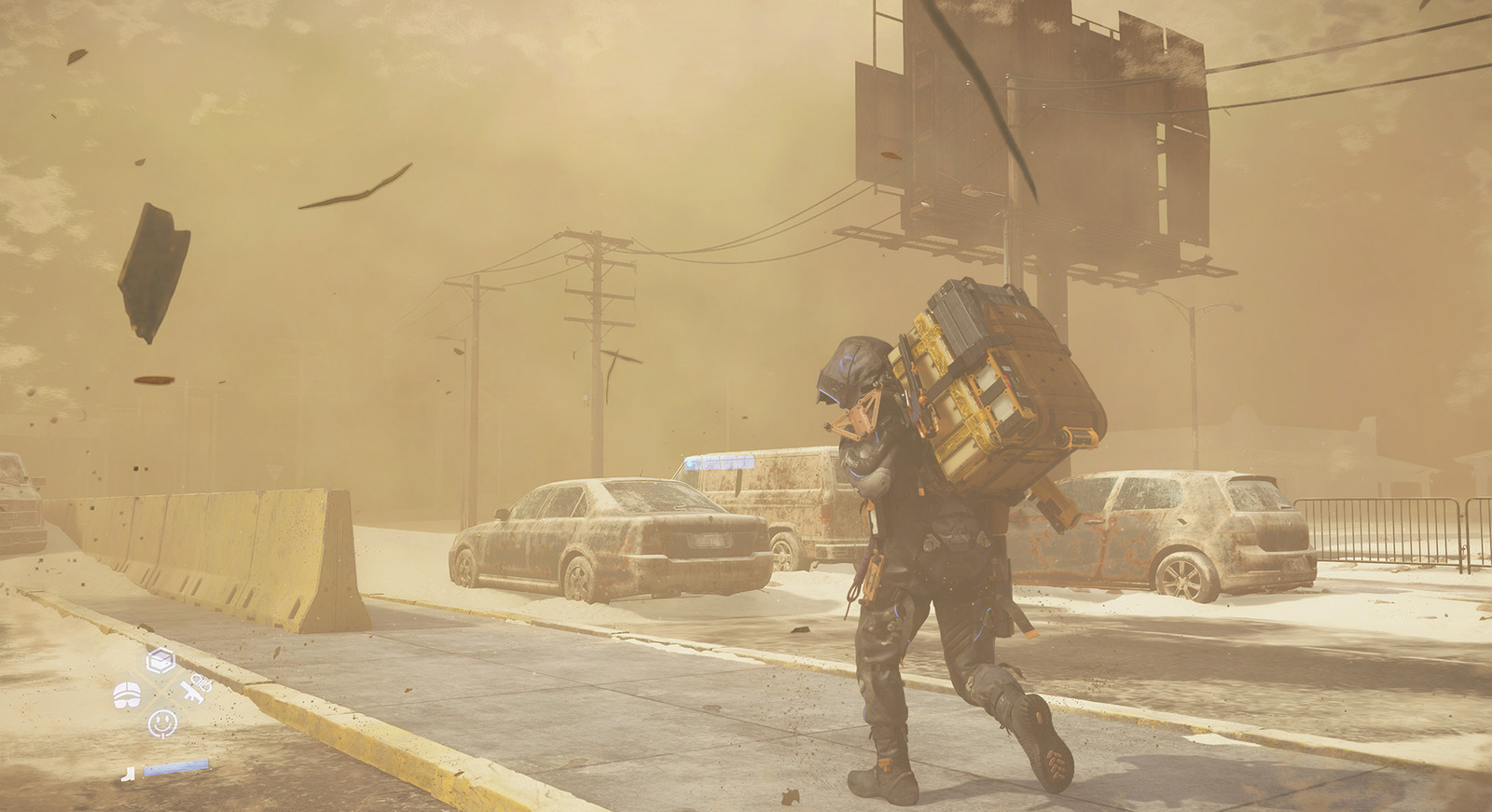
Implement these professional navigation techniques to enhance your Death Stranding 2 experience. Begin each gaming session by reviewing your planned route on the interactive map, noting potential obstacles and alternative paths. This preparatory step typically takes 2-3 minutes but pays substantial dividends in reduced in-game travel time.
Combine your map knowledge with strategic equipment selection from our Weapons Unlock guide to ensure you’re properly equipped for anticipated challenges along your route.
For players struggling with the game’s navigation systems, our Complete Guide offers additional context about connecting game mechanics. Understanding how mapping integrates with other systems like the Class Guide can further optimize your approach to different mission types.
Remember that the interactive map serves as a planning tool—successful navigation also depends on adapting to dynamic weather conditions, enemy movements, and unexpected environmental hazards that may not be reflected in static cartographic data.
Action Checklist
- Bookmark both regional interactive maps for quick access during gameplay sessions
- Before major deliveries, plan your route using the filtering tools to identify optimal paths
- Click on key location markers to review detailed information about resources, enemies, and special conditions
- Cross-reference map data with your current inventory and mission objectives
- Practice using Show All/Hide All functions to quickly isolate relevant location categories
No reproduction without permission:Game Guides » Interactive map of Death Stranding 2. All Facilities, Mines, Points of interest, and other locations in DS2 Master Death Stranding 2's vast landscapes with expert navigation strategies and interactive map optimization