
TL;DR
- Community maps returned to CS2 on November 2 with classic training tools
- Install maps instantly via Steam Workshop subscription system
- Professional players use Aim Botz and movement maps for skill maintenance
- CSStats provides match analytics and cheater tracking capabilities
- Crosshair Generator eliminates console command complexity for visual settings
Games and Esports Articles CS 2
Valve officially reintegrated community maps and servers into Counter-Strike 2 on November 2nd. Content developers have rapidly adapted classic training environments like Aim Botz and Training Hub for the Source 2 engine. While Arms Race and Flying Scoutman modes remain temporarily unavailable, developers have committed to their future implementation alongside experimental new gameplay formats.
We’ve curated this selection of popular training maps to streamline your search process. Be aware that certain functionality may experience temporary inconsistencies as mappers continue transitioning to the updated platform. Installation requires simply subscribing to desired maps through the Steam Workshop interface – the game automatically handles the download and implementation process.
Pro Tip: Always verify map compatibility by checking the upload date and recent user reviews. Early adoption of newly ported maps might include minor bugs that affect specific training features.
Aim Botz
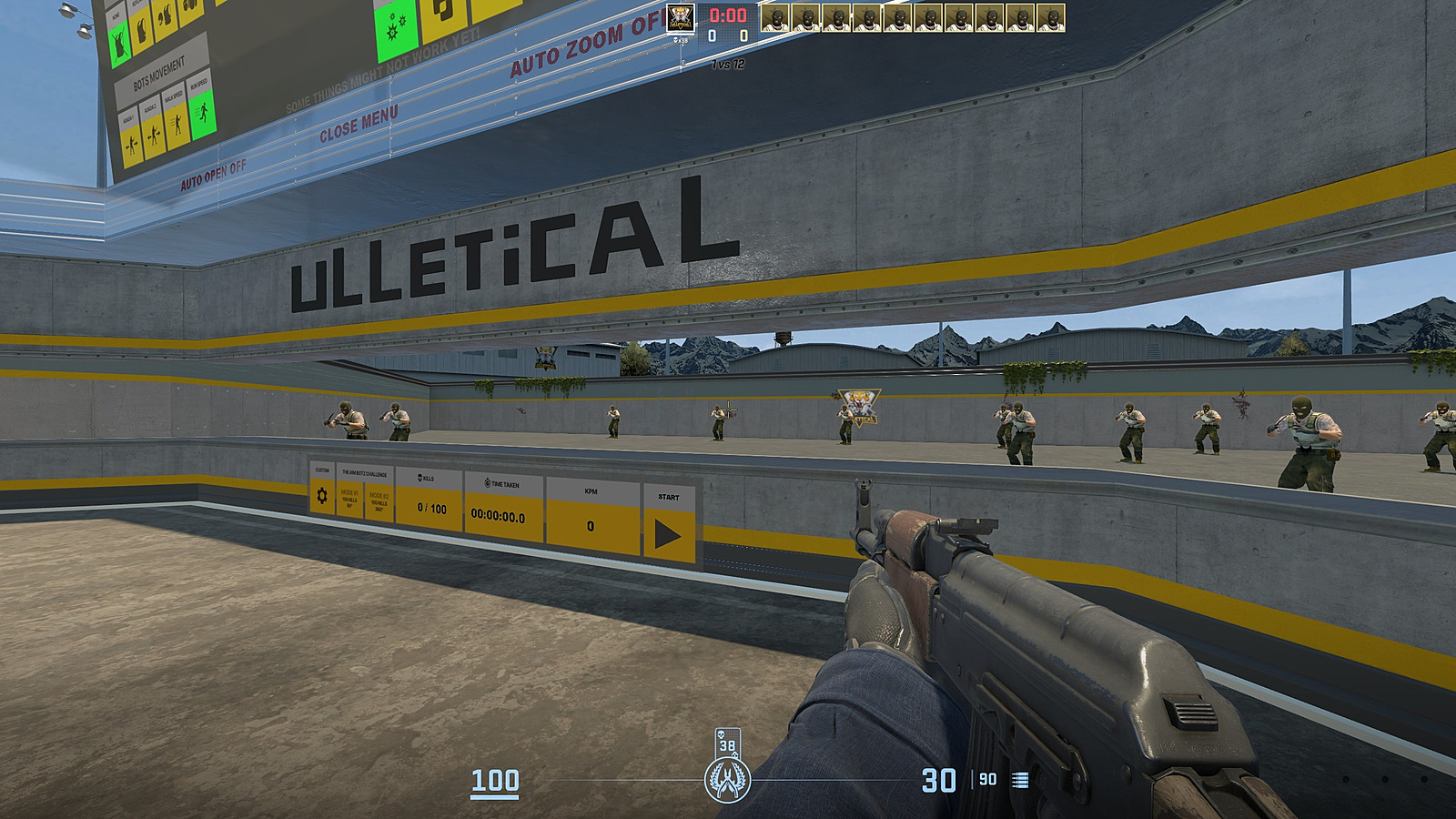
The legendary aim training environment created by uLLetical delivers systematic target practice. Engage in precision headshot drills while benchmarking your performance against global player statistics. This map serves as the gold standard for professional players worldwide to maintain and enhance their mechanical aiming capabilities. Download here.
Common Mistake: Many players focus solely on flick shots while neglecting tracking exercises. Balance your training regimen between static and moving targets for comprehensive improvement.
CSStats Training Map
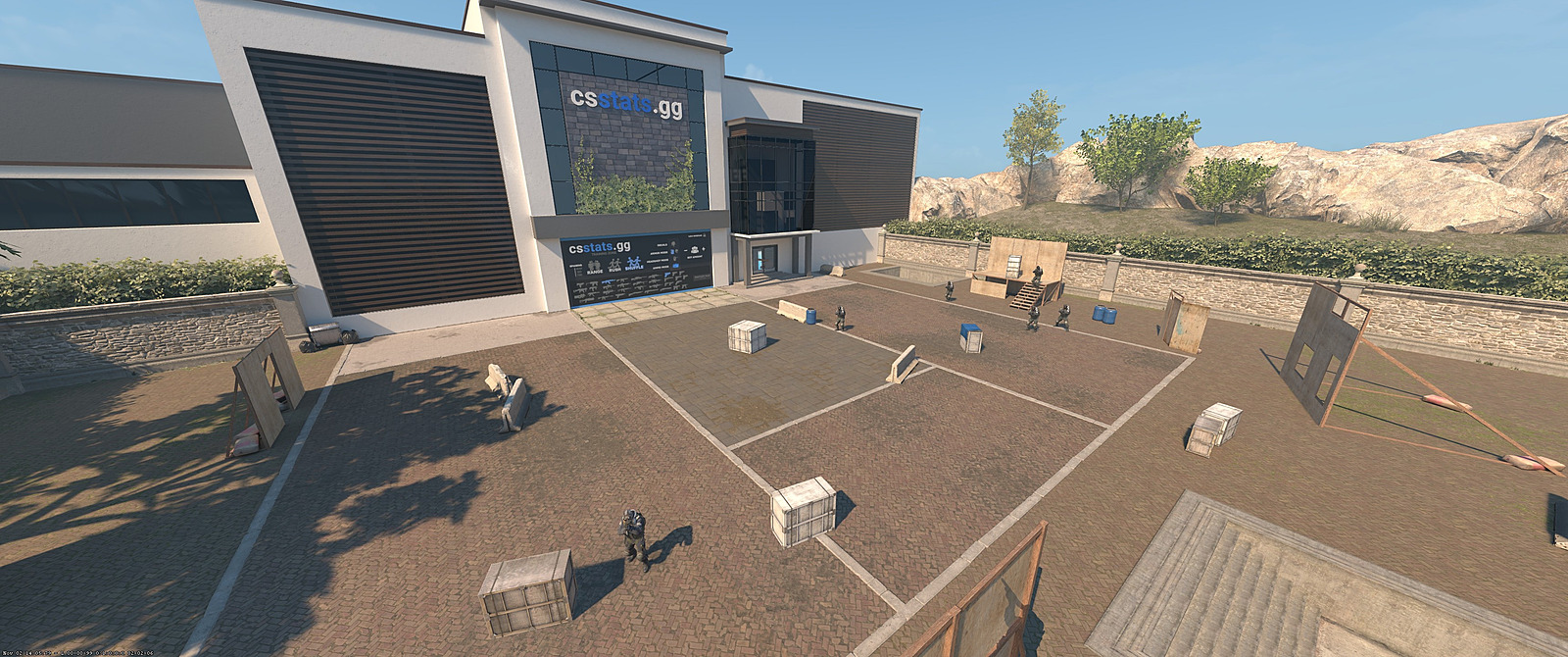
This advanced practice environment provides dual functionality – skill development combined with comprehensive match analytics. Monitor your competitive history across official matchmaking, FACEIT, and ESEA platforms while receiving notifications when previously encountered cheaters face account restrictions. Link.
Optimization Strategy: Use the statistical tracking to identify patterns in your performance decline. Many players discover they perform significantly worse during specific times of day or after extended sessions.
CS2 Community Servers with Different Game Modes
We recommend exploring xplay.gg – an extensive network of CS2 servers featuring diverse gameplay formats: SURF, Bunny Hop, Deathmatch, Retake scenarios, and AWP-specific training. While developing your technical abilities, complete daily objectives, accumulate xcoins currency, and redeem them for exclusive CS2 cosmetic items!
Best CS2 Surfing Maps
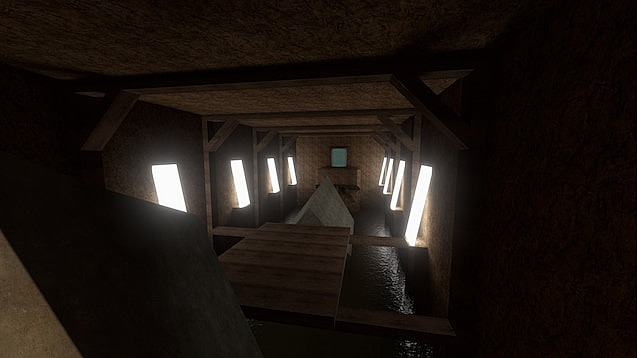
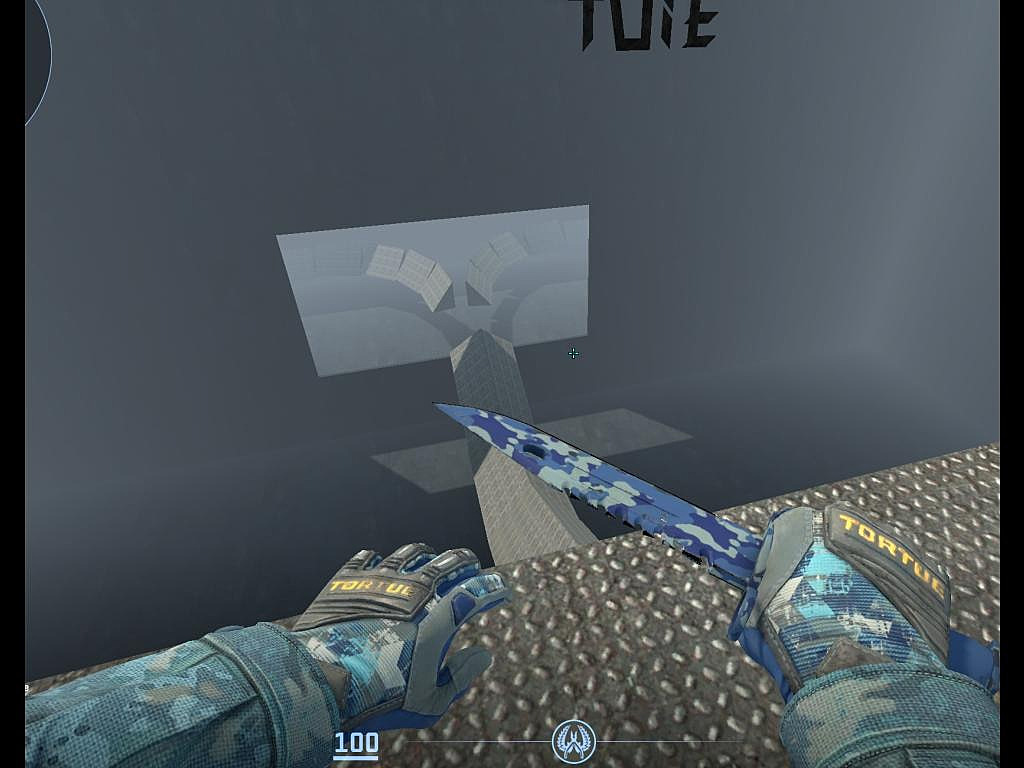
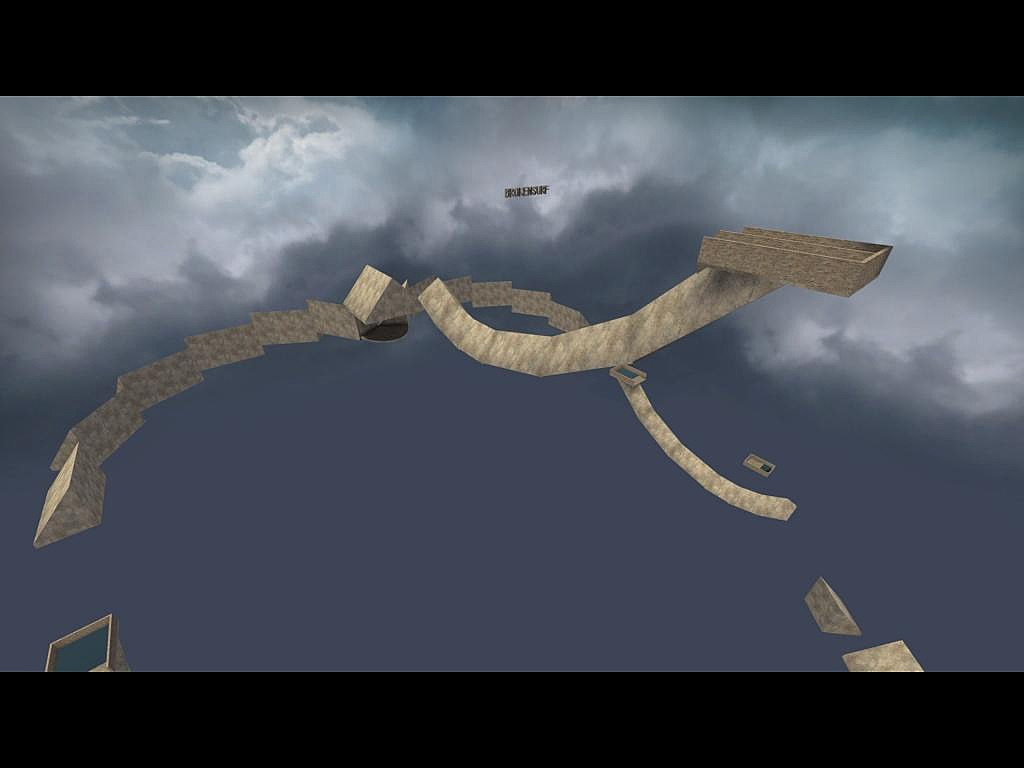
Surfing mechanics have returned with enhanced physics! Test your movement mastery across these curated environments. Access the complete surfing map collection using search parameters “surf” and “CS2” or directly through this link.
Surf_Beginner
Download link.
Surf_rebel_resistance_cs2
Download link.
Surf_skyworld
Download link.
EliGE, m0NESY, electronic, Twistzz: “On LAN, CS2 feels so much better”
Best CS2 KZ, Bunny-hopping Maps
Aspiring to achieve professional-level movement techniques? These specialized environments focus on advanced mobility training, whether mastering bunny-hopping rhythms or perfecting air strafing mechanics. Discover the most subscribed KZ maps through this link.
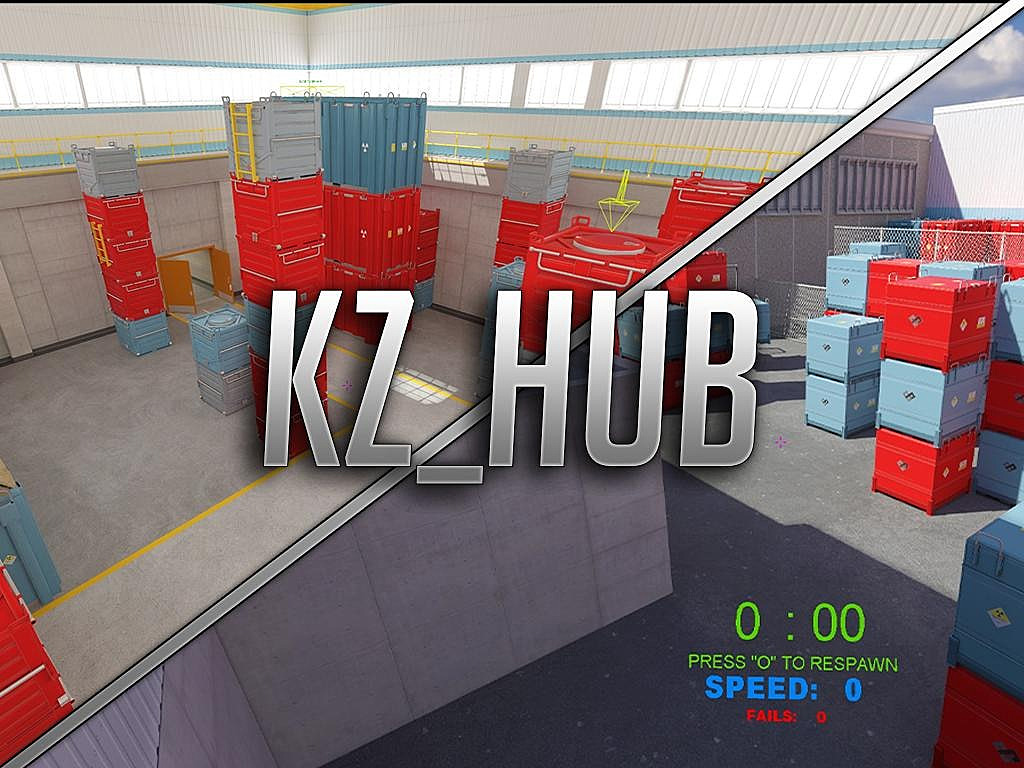
KZ_HUB
Download link.
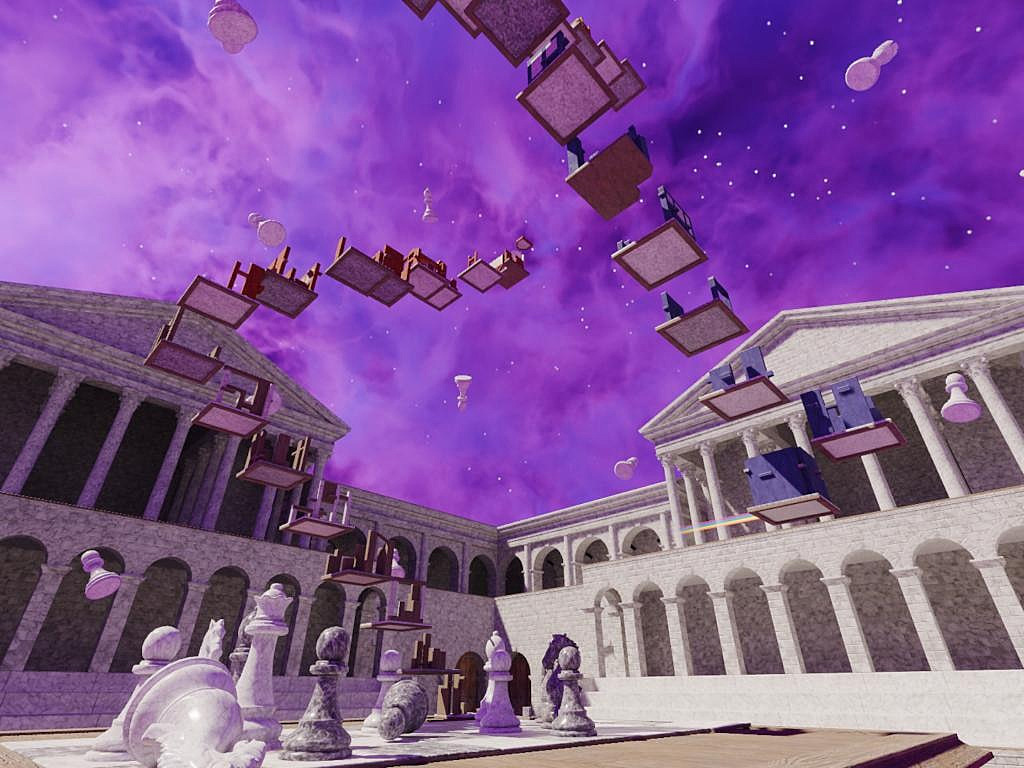
KZ_checkmate
Download link.
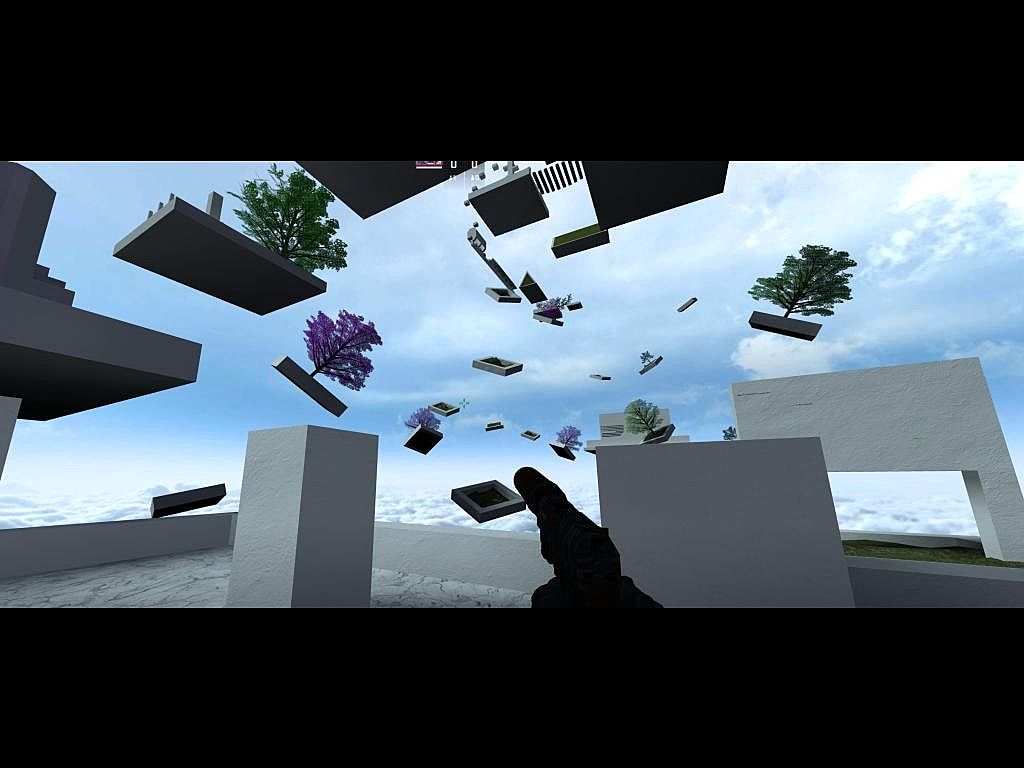
KZ_Generic
Download link.
Movement Training Insight: Successful KZ and surfing require understanding the relationship between mouse movement and keyboard timing. Practice consistent strafing patterns before attempting complex routes.
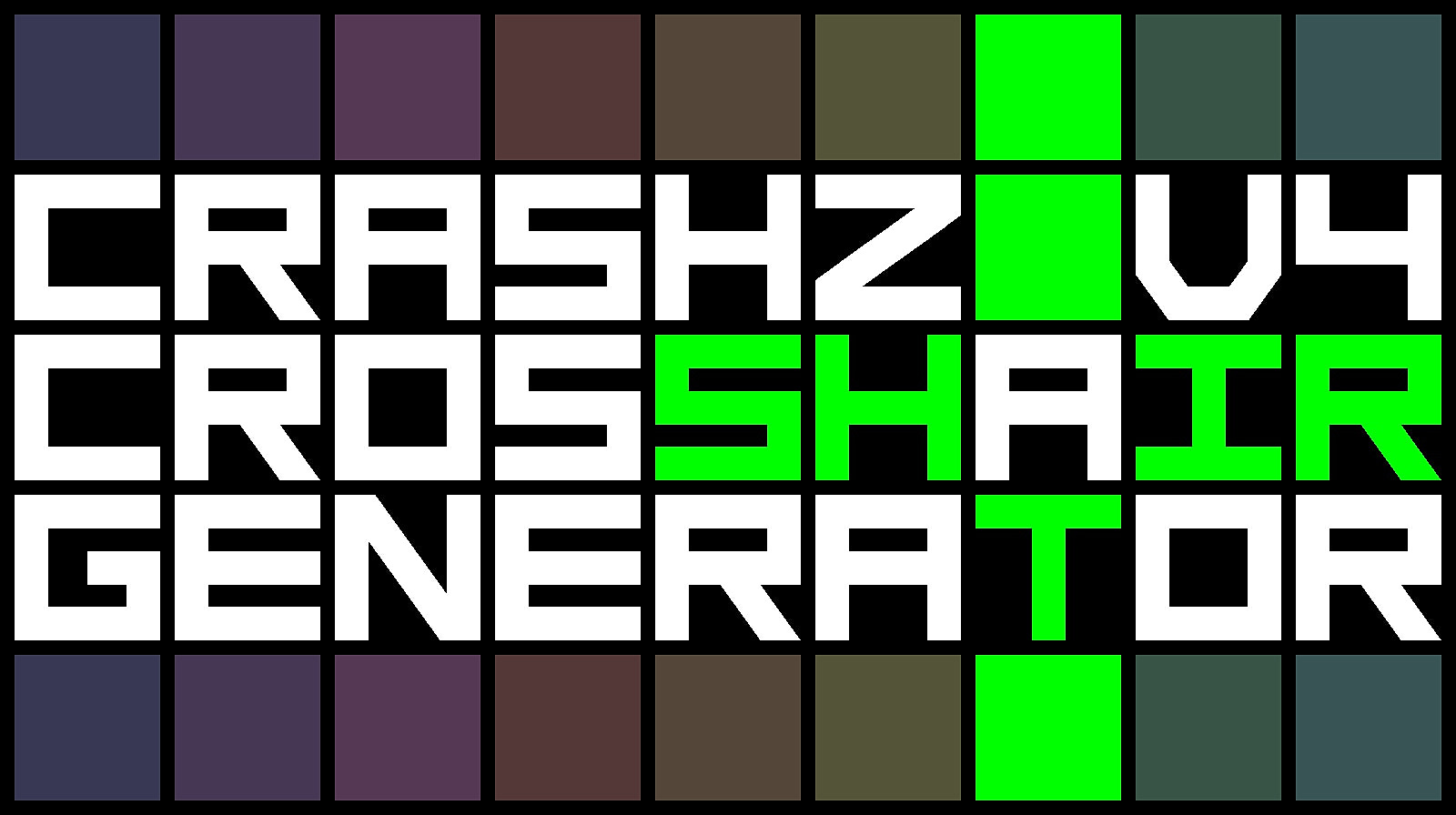
Crashz’ Crosshair Generator
This specialized configuration environment streamlines crosshair customization without console command complexity. Modify visual parameters including color spectrum, dimensional proportions, gap spacing, and outline thickness through intuitive interface controls. Download link.
CS2 dev team: “Launching when we did was the right time. This is the fastest way to get CS2 to where we all want it to be”
Advanced Configuration: Experiment with dynamic crosshairs that change based on movement states. Many professional players use crosshairs that expand when shooting to visualize recoil patterns more effectively.
Action Checklist
- Subscribe to Aim Botz through Steam Workshop for fundamental aim training
- Install CSStats map to track your match performance analytics
- Practice movement mechanics starting with Surf_Beginner before advancing to complex KZ maps
- Use Crashz’ Crosshair Generator to optimize visual settings without console commands
- Explore community servers like xplay.gg for varied game mode practice
No reproduction without permission:Game Guides » Best maps for CS2 training and movement: Aim Bots, kz, surfing, crosshair generator. How to install community maps in CS2 Master CS2 skills with essential community maps for aim training, movement practice, and crosshair optimization