
TL;DR
- Cross-play connects all platforms including PC, Mac, Xbox, and PlayStation 5
- Requires Larian account creation and cross-play activation in multiplayer settings
- Supports mixed-platform parties with full campaign progression sharing
- Connection issues often resolved through account linking verification
- Game version synchronization is critical for successful cross-platform sessions
Experience seamless multiplayer adventures across all gaming ecosystems with Baldur’s Gate 3 cross-platform functionality. This revolutionary feature eliminates platform barriers, allowing cohesive party formation regardless of hardware preferences.
Cross-play represents a significant milestone in Baldur’s Gate 3’s evolution, arriving after extensive development as part of the comprehensive April 2025 Patch 8 update. This long-anticipated addition complements other new features including enhanced photo mode capabilities and additional character subclasses, demonstrating Larian Studios’ commitment to ongoing game enrichment.
This groundbreaking system enables uninterrupted cooperative campaigns with your gaming companions, whether they prefer console gaming or computer-based experiences. The technology bridges the traditional divides between gaming ecosystems, creating a unified multiplayer environment.
In this detailed Baldur’s Gate 3 multiplayer guide, we’ll comprehensively explain cross-play mechanics, detail all supported platforms, and provide step-by-step configuration instructions to ensure successful cross-platform sessions.
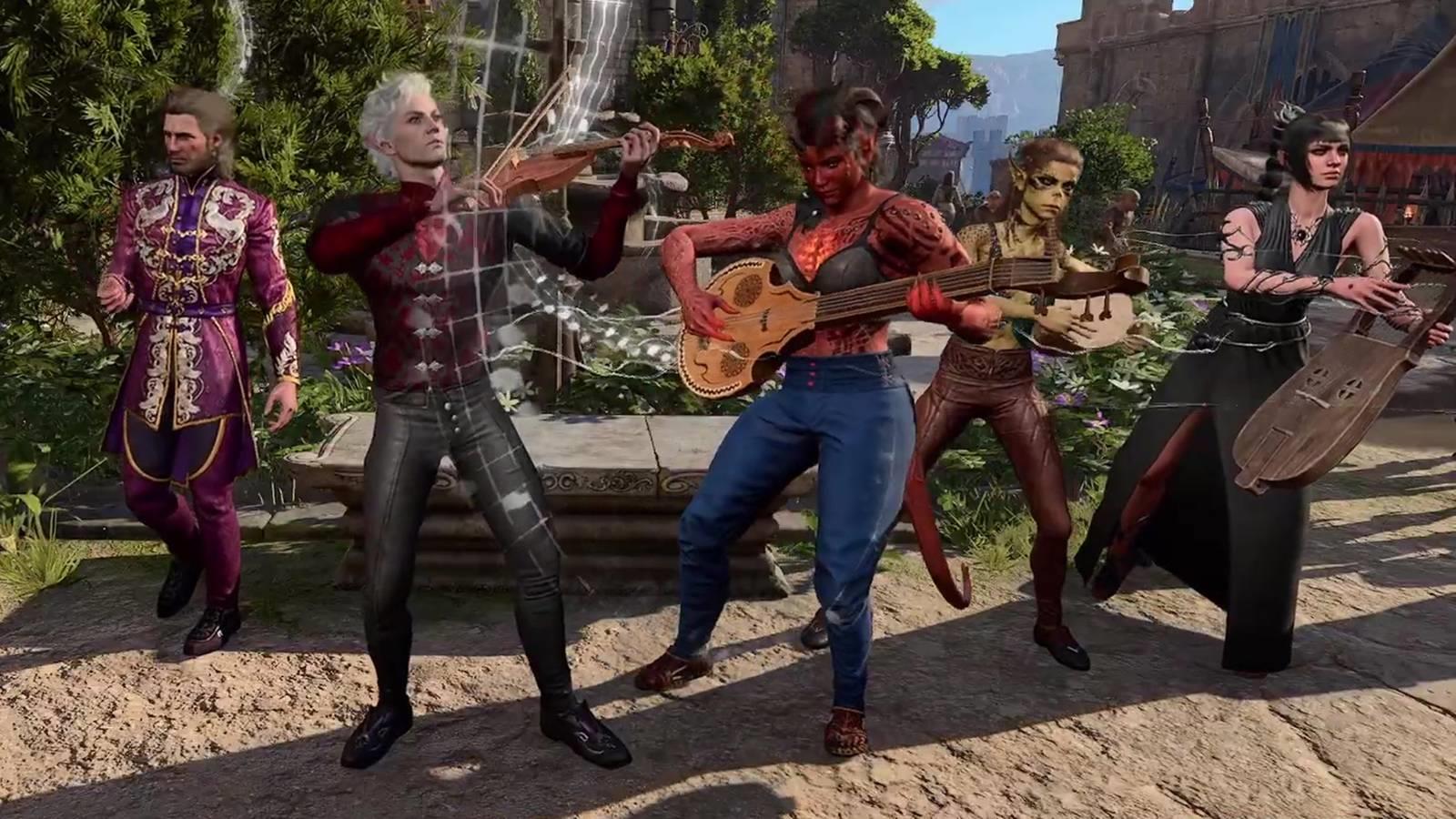
Cross-play fundamentally transforms multiplayer engagement in Baldur’s Gate 3 by enabling seamless connectivity between players across different hardware platforms. For instance, if you primarily play through Steam on Windows while your friend accesses the game on macOS, cross-play eliminates compatibility barriers. The system equally facilitates connections between computer systems and consoles, including bridging the gap between Xbox and PlayStation ecosystems.
Essentially, cross-play technology empowers you to assemble adventuring parties without restrictions based on where individual players purchased their game copies.
Below is the comprehensive platform compatibility matrix accessible through cross-play connectivity:
Implementing cross-play functionality in Baldur’s Gate 3 requires two essential components: establishing a Larian Account and activating cross-play within the game’s configuration menus.
To create your Larian account, navigate to the developer’s official website and complete the registration process. Once registered, utilize these credentials when launching the game client to associate your account with your specific game installation. You’ll subsequently need to either incorporate your friend’s Larian account details within the game interface or memorize their username for input into the party management system later.
Following account setup, you must enable cross-play functionality, located within the multiplayer configuration section accessible from the game’s primary menu. Critical reminder: this option remains unavailable during active gameplay sessions and must be configured exclusively through the multiplayer interface at the title screen.
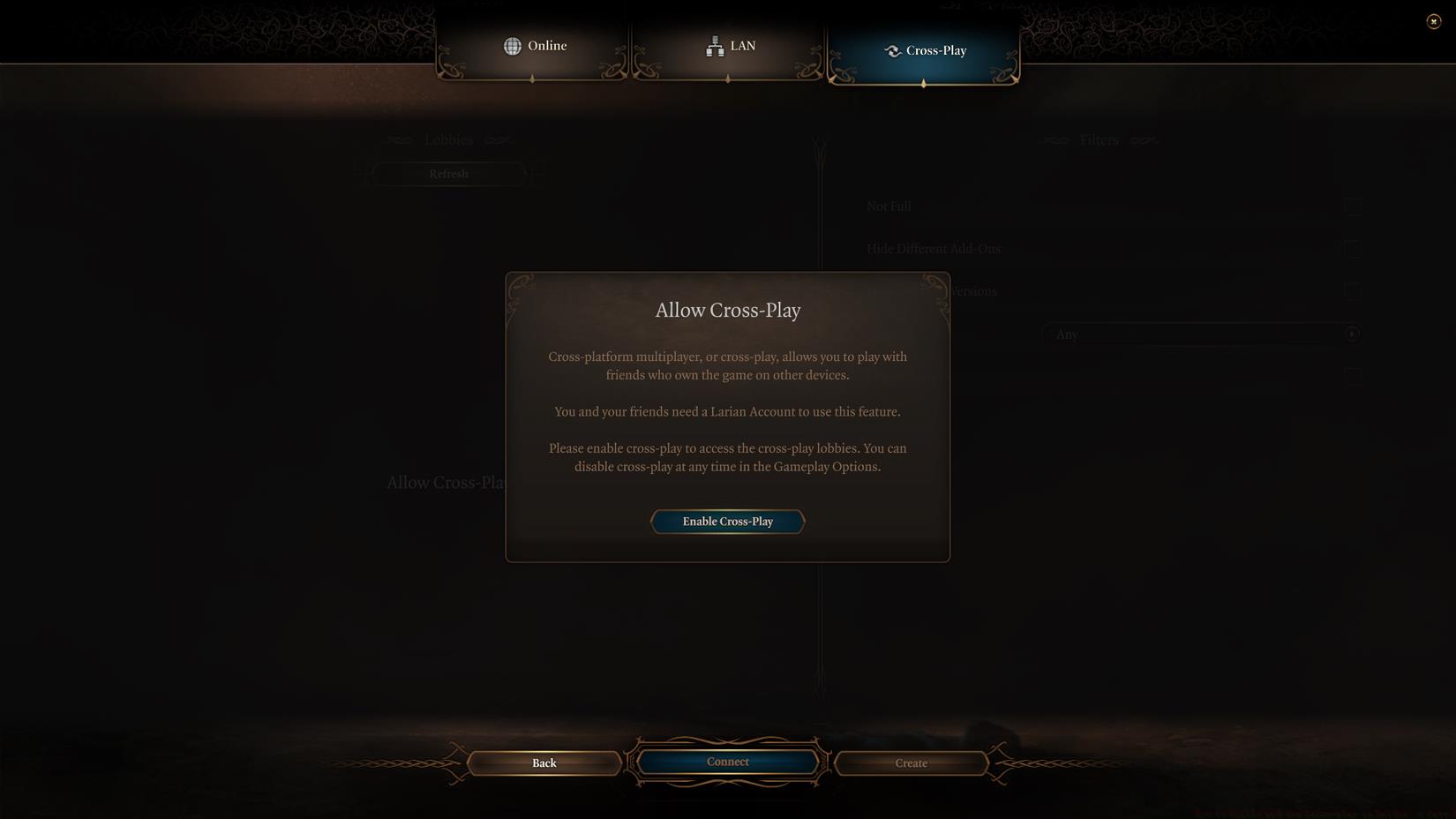
Image: Larian Studios via Polygon
For optimal cross-play performance, ensure all participants maintain updated game versions matching Patch 8 or later. Version discrepancies represent the most common connectivity obstacle. Additionally, verify that all players have completed the Larian account linking process before attempting cross-platform sessions. The system supports mixed-platform saving, meaning progression and character development persist regardless of which platform you access your campaign from.
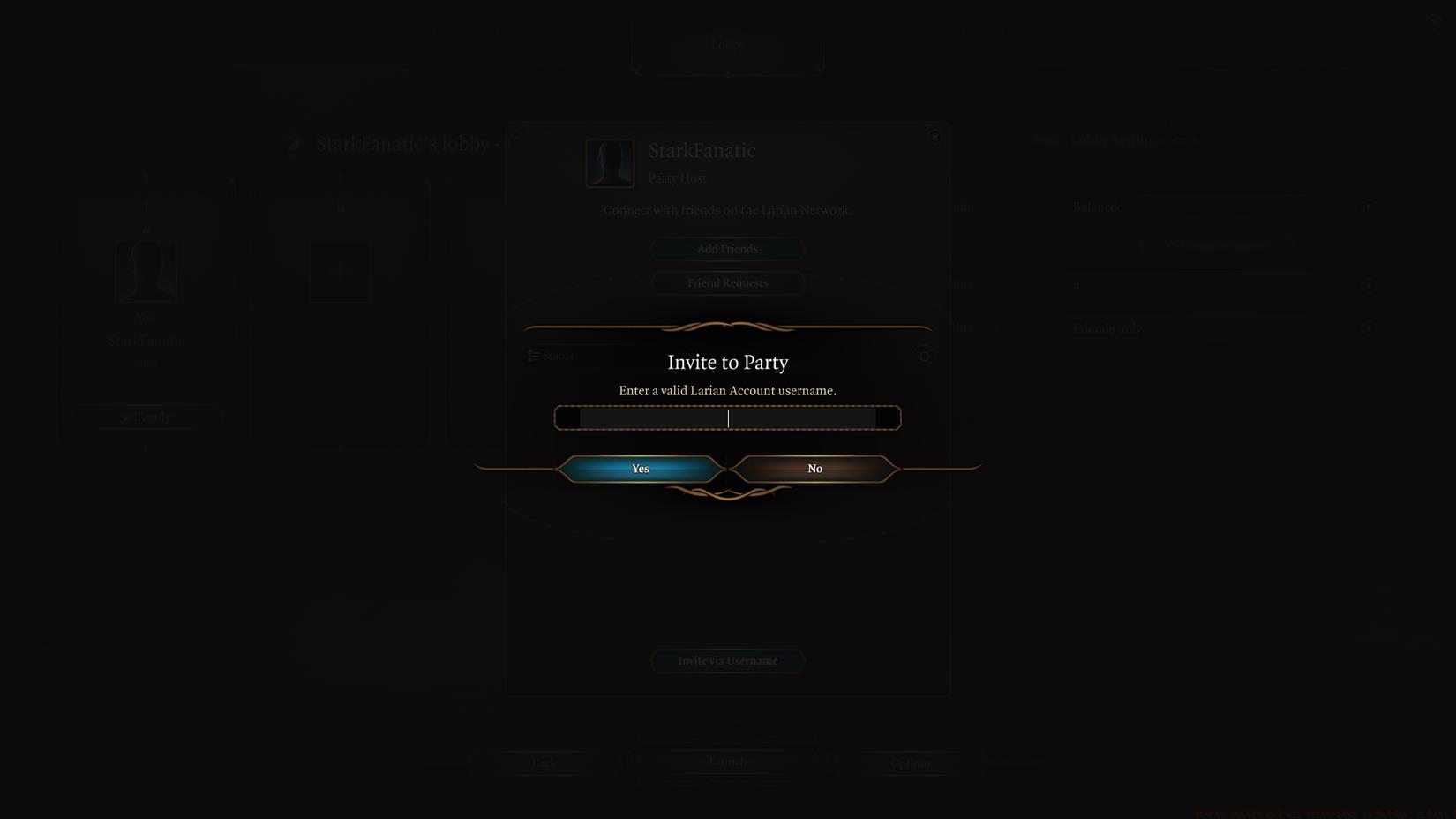
Image: Larian Studios via Polygon
When connecting with friends across platforms, utilize the in-game friend search functionality rather than platform-specific friend systems. The Larian account system serves as the universal identifier, transcending individual platform friend networks. For those interested in broader multiplayer strategies, our Class Guide offers valuable insights into effective party composition that applies across gaming platforms.
Maximize your cross-platform experience with these professional optimization techniques. Connection stability significantly improves when all players maintain consistent internet bandwidth above 5 Mbps, with wired connections preferred over wireless for reduced latency during combat sequences.
Common cross-play complications typically involve account verification issues or firewall restrictions. If encountering connection failures, first confirm that all participants have successfully linked their Larian accounts, then verify that cross-play remains enabled in settings. Platform-specific network configurations may require adjusting NAT settings or creating exceptions in security software.
For enhanced cross-platform gameplay, coordinate character builds that complement different playstyles across your party. Mixed-platform groups benefit from balanced team composition, ensuring no single player’s hardware limitations impact overall performance. Explore our comprehensive Weapons Unlock guide for equipment strategies that translate well across gaming systems.
Session hosting recommendations: The player with the most stable internet connection should typically host cross-platform games. PC users often provide more consistent hosting environments due to hardware flexibility, though modern consoles perform admirably with proper network configuration. Save file management remains consistent across platforms, with cloud synchronization preserving your adventure progress regardless of access point.
Advanced users should monitor the Larian Studios status page during widespread connectivity issues, as server maintenance occasionally affects cross-platform functionality. For those expanding their gaming expertise beyond Baldur’s Gate 3, our Complete Guide to upcoming titles provides valuable cross-game insights.
Action Checklist
- Create Larian account on official website
- Link Larian account to game installation
- Enable cross-play in multiplayer settings menu
- Verify game version compatibility (Patch 8+)
- Test connection with cross-platform friend
No reproduction without permission:Game Guides » How to enable and use cross-play in Baldur’s Gate 3 Master cross-platform multiplayer in Baldur's Gate 3 with comprehensive setup guide and troubleshooting tips