
TL;DR
- Open Beta runs August 9-10 and 14-17 with no special requirements needed
- Preload BF6 on your platform starting August 8 to avoid download delays
- First weekend features Conquest and Breakthrough on three maps, second adds Rush
- Prepare for significant queue times during peak hours across all platforms
- Account linking required for Steam users via EA app with simple four-step process
Games and Esports Articles
Battlefield 6 has entered its crucial testing phase, offering players their first hands-on experience with the highly anticipated military shooter. Following the exclusive early access period, the Open Beta provides completely free entry to everyone regardless of pre-order status or platform preference. This testing window represents your opportunity to experience the game’s massive-scale combat before the official launch.
Understanding the beta structure is essential for maximizing your playtime. The current Early Access Beta concludes on August 8, transitioning directly into the public Open Beta that spans two separate weekends. This phased approach allows developers to test server stability under increasing player loads while gathering valuable feedback on game balance and performance.
The testing calendar is strategically divided to assess different aspects of Battlefield 6‘s gameplay systems. The ongoing Early Access Beta phase officially concludes on August 8, serving as a stress test for dedicated fans and content creators. The subsequent Open Beta operates across two distinct weekends to accommodate varying player availability and regional time zones.
Mark your calendar for these critical dates: Weekend One runs August 9-10, while Weekend Two follows on August 14-17. This scheduling approach enables the development team to implement adjustments between sessions based on initial player feedback and technical data.
Pro tip: Begin your preload process on August 8 after the Early Access concludes. This ensures you’re ready to jump into the action immediately when servers go live, bypassing the initial download rush that typically causes extended wait times.
Accessing the Open Beta requires no special conditions or pre-orders—simply navigate to your preferred gaming platform (Steam, PlayStation, Xbox, etc.) and initiate the BF6 preload procedure. The game interface will automatically present the testing participation option once available.
Accept the invitation, complete your download, and prepare for action when August 9 arrives. However, brace yourself for substantial queue durations, as even the limited early access period experienced significant wait times during weekday sessions.
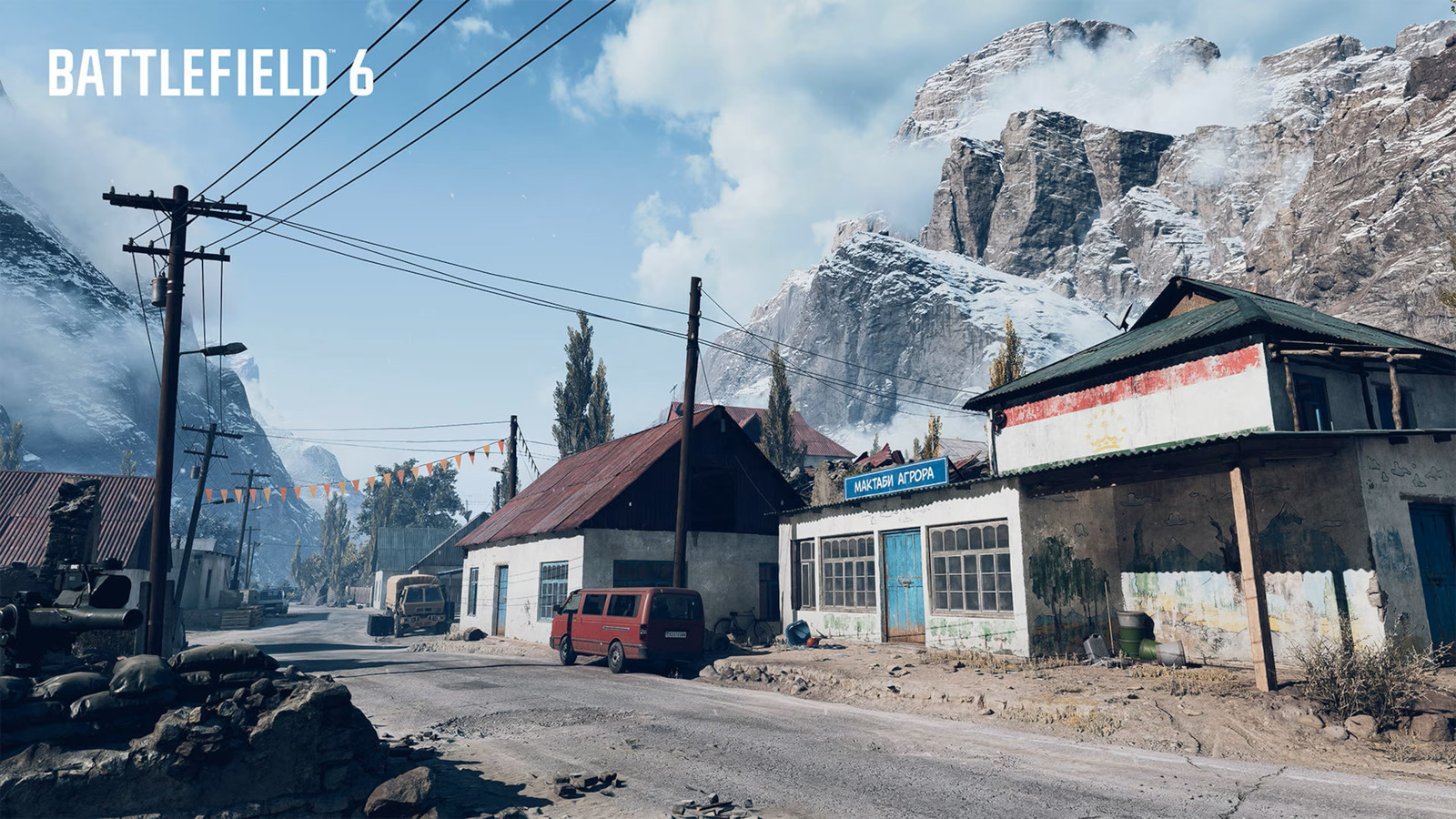
Queue Management Strategy: To minimize wait times, consider playing during off-peak hours (early mornings or late evenings). Server congestion typically peaks between 4-9 PM local time as players return from work and school. For the complete Battlefield 6 experience, consult our Complete Guide for advanced tactics.
Common Mistake: Many players attempt to join simultaneously at launch, creating artificial bottlenecks. Stagger your login attempts by 15-30 minute intervals for better success rates.
The first weekend showcases three core gameplay modes: the classic large-scale Conquest, objective-based Breakthrough, and the specialized Closed Weapons Breakthrough. Available battlegrounds include Siege of Cairo, Iberian Offensive, and Liberation Peak—the exclusive map featuring aircraft combat during this initial phase.
Weekend two introduces additional variety with Rush and Deathmatch modes, while expanding the battlefield roster with Empire State as the fourth combat environment.
Mode Strategy Insights: Conquest emphasizes territory control and squad coordination, while Breakthrough focuses on sequential objective capture. Understanding these mode differences is crucial—learn more in our Class Guide for optimal loadout selection.
Map-Specific Tips: Liberation Peak’s aerial combat requires specialized anti-air equipment, while Siege of Cairo favors close-quarters infantry engagements. For weapon recommendations specific to each map, check our Weapons Unlock guide for detailed loadout advice.
If you need to connect your platform account to EA services, implement this straightforward procedure:
- Download and install the EA application for PC using this direct link
- Authenticate using your existing EA account credentials within the application
- Navigate to the Connected Accounts section in settings
- Choose Steam and proceed through the authentication workflow to finalize account linkage
For alternative platform connections, reference the comprehensive official EA documentation for platform-specific instructions.
Troubleshooting Tip: If encountering connection issues, verify that both your Steam and EA accounts are in good standing with no restrictions. Connection problems most commonly stem from outdated application versions or regional service interruptions.
Action Checklist
- Preload BF6 on your platform starting August 8
- Verify EA account status and update application if necessary
- Link Steam account via EA app using four-step process
- Plan play sessions during off-peak hours to avoid queues
- Study weekend-specific modes and maps to optimize strategy
No reproduction without permission:Game Guides » How to get free access to Open Beta for Battlefield 6. How to play BF6 for free before release Complete guide to accessing Battlefield 6 Open Beta for free with expert strategies and troubleshooting tips