
TL;DR
- Transmog in Shadows is completely free with no currency restrictions unlike Valhalla
- Access transmog via Inventory menu by pressing Y/Triangle on any gear piece
- Armor allows full piece replacement while weapons offer component-level customization
- All discovered gear permanently unlocks visual options for unlimited customization
- Use the star icon to identify customized items and optimize inventory management
Transform your character’s appearance while maintaining optimal combat statistics through the transmog system in Assassin’s Creed Shadows. This feature enables you to adopt the visual style of any equipment piece while retaining the performance attributes of your current gear.
While Shadows continues the series’ tradition of visual customization, it represents a significant improvement over previous implementations. Unlike Assassin’s Creed Valhalla, which controversially restricted transmog through in-game currency requirements, Shadows offers completely free access to all visual customization options without artificial limitations.
The system provides extensive creative freedom while maintaining gameplay balance, allowing players to craft unique character identities without sacrificing statistical advantages.
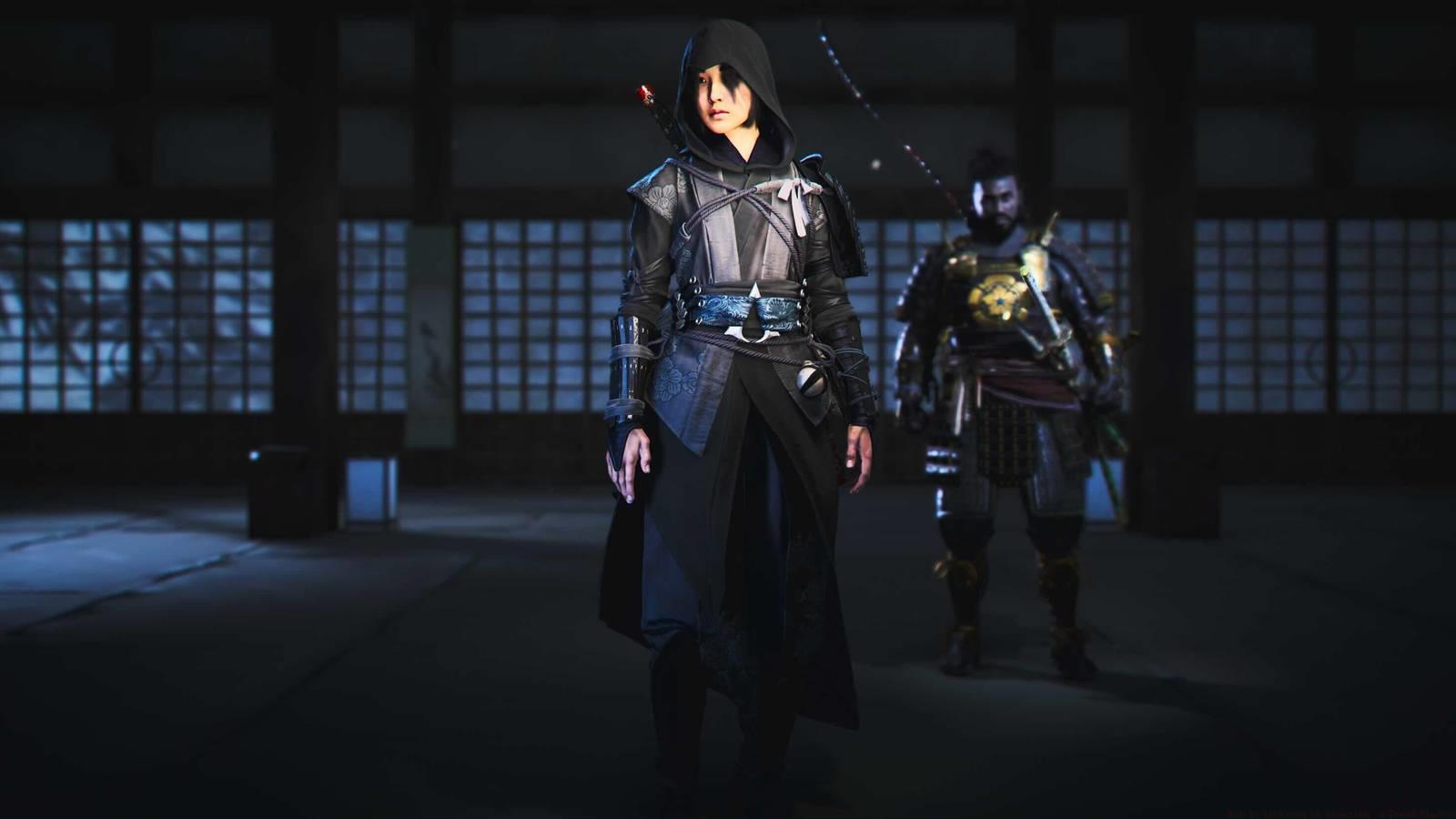
Before accessing transmog capabilities, you must meet specific prerequisites. The system requires at least two unlocked items within any equipment category to enable visual customization options. This ensures players have meaningful choices available from the outset.
To initiate the process, navigate to your Inventory menu and select the specific weapon or armor piece you wish to visually modify. Press the Y button (Xbox) or Triangle (PlayStation) to access the dedicated Visual Customization submenu. This specialized interface provides comprehensive control over your gear’s appearance while clearly displaying statistical information.
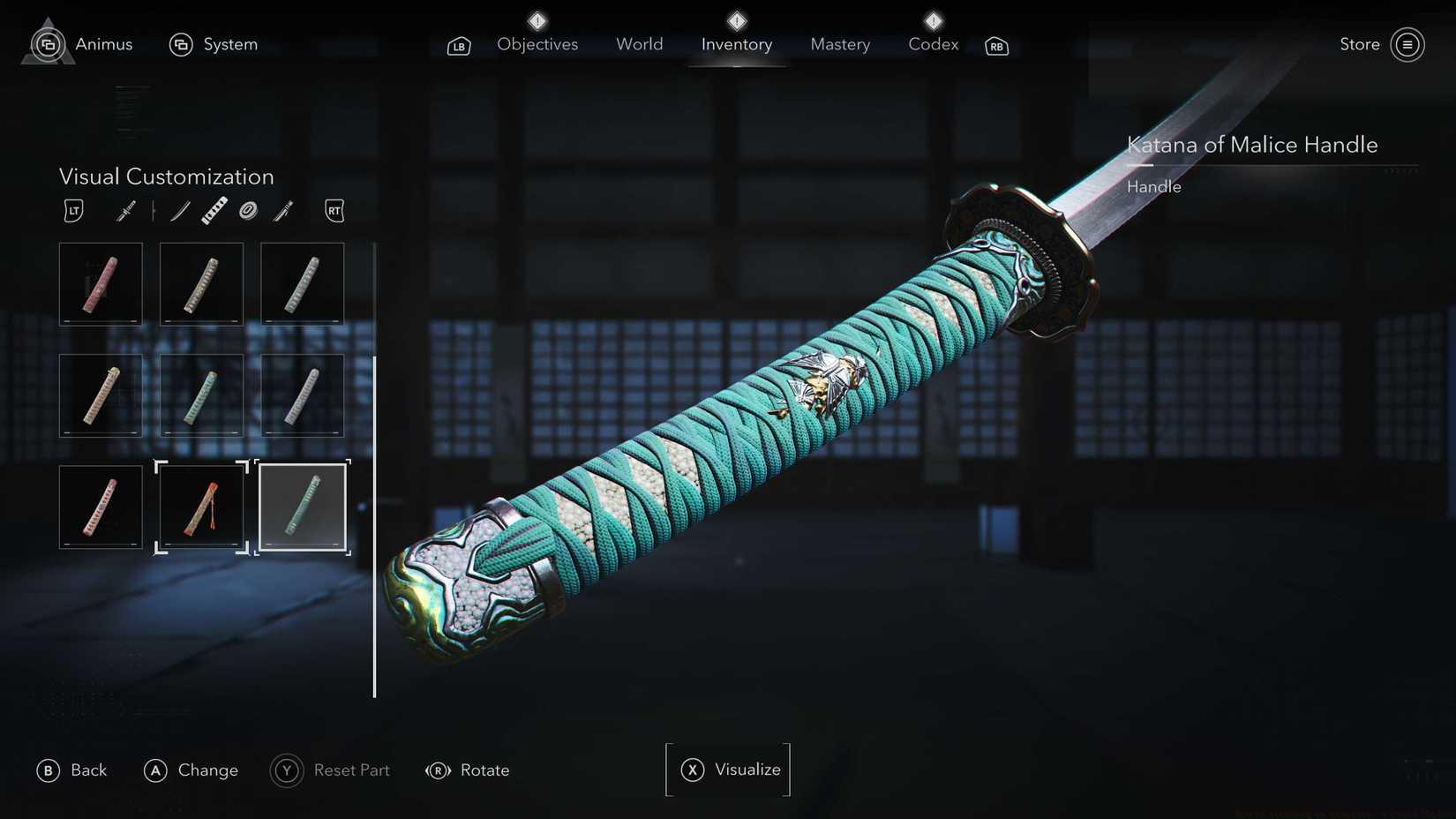
Image: Ubisoft Quebec/Ubisoft via Polygon
Common mistake: Many players overlook the requirement for multiple unlocked items per category. Ensure you’ve collected at least two helmets, chest pieces, or weapon types before attempting customization.
Armor customization in Shadows operates through straightforward piece replacement mechanics. You can transform any armor component—whether headgear, torso protection, or leg coverings—to precisely mimic the appearance of any other unlocked piece within the same category. This allows for complete visual coordination across your entire character ensemble.
The system maintains visual consistency while preserving the statistical benefits of your equipped gear. For optimal results, consider creating thematic outfits that reflect your playstyle—stealth-focused appearances for nighttime missions or more ornate designs for social scenarios.
Pro tip: Mix and match armor pieces from different sets to create unique combinations that reflect your personal aesthetic preferences while maintaining statistical optimization.
Weapon visual customization offers two distinct approaches: complete weapon replication or detailed component mixing. You can either make a weapon appear identical to another unlocked weapon type, or engage in sophisticated part-by-part customization for truly unique creations.
The component system allows mixing and matching elements from various weapons within the same category. For example, when customizing a katana, you can independently modify the blade design, handle wrapping, guard shape, and saya (sheath) appearance. This granular control enables unprecedented personalization while maintaining weapon functionality.
Advanced strategy: Create weapon combinations that visually indicate specific stat specializations—distinct blade styles for critical hit builds versus different handle designs for attack speed focus.
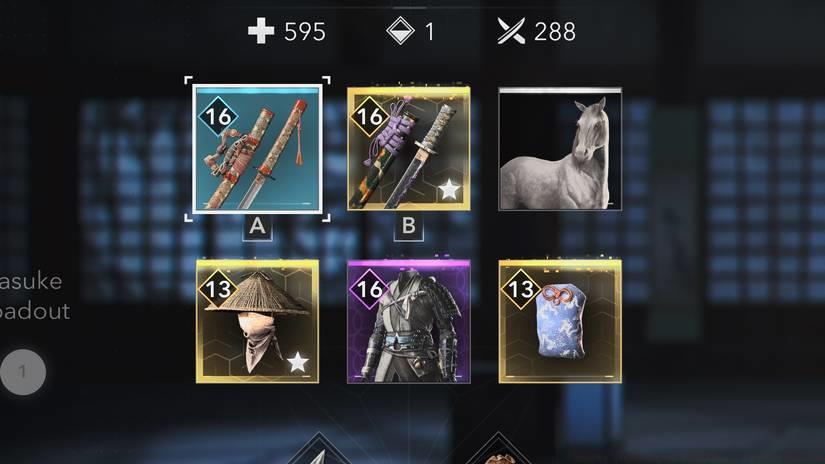
Image: Ubisoft Quebec/Ubisoft via Polygon
A crucial advantage of Shadows’ transmog system is the permanent unlocking of all visual customization options upon initial gear discovery. Once you’ve obtained a weapon or armor piece, its appearance becomes permanently available in your visual customization library, regardless of whether you retain the physical item.
This system revolutionizes inventory management. No longer must you clutter your storage with low-level items like the “level 5 Toxic Katana of Discipline” simply because you appreciate its green-and-purple saya design. Feel free to sell such items for monetary gain or dismantle them for crafting materials while retaining their visual options indefinitely.
Customized equipment receives visual identification through a small star icon, making modified items easily distinguishable in your inventory. Time investment: Mastering the transmog system typically requires 15-20 minutes initially, but saves countless hours of inventory management over your playthrough.
For additional gameplay enhancement strategies, consult our comprehensive Weapons Unlock guide and detailed Class Guide to optimize your overall gaming experience.
Action Checklist
- Collect at least two items in any gear category to unlock transmog
- Access Inventory menu and press Y/Triangle on desired gear piece
- Experiment with armor full-piece replacement for cohesive outfits
- Master weapon component mixing for unique visual creations
- Clean inventory by selling/dismantling unwanted gear with saved appearances
No reproduction without permission:Game Guides » How to transmog in Assassin’s Creed Shadows Master Assassin's Creed Shadows transmog system with free customization and advanced visual tactics