
TL;DR
- Access DK Artist Mode exclusively from the title screen using the ‘+’ button, not the overworld
- Utilize D-pad controls for tool selection and color changes with dedicated undo functionality
- Experiment with both mouse precision and traditional controller schemes for different artistic effects
- Master the random model system to create unique sculptures and artwork pieces
- Apply professional art techniques like layering and texture building for superior results
When creative inspiration strikes, even platforming heroes need an artistic outlet. Donkey Kong Bananza’s secret DK Artist mode transforms the gaming experience into a digital sculpture studio, offering players a refreshing break from traditional platforming challenges.
This hidden feature represents Nintendo’s commitment to diverse gameplay experiences, allowing creators to experiment with the Nintendo Switch 2’s advanced mouse controls while crafting unique artwork. Unlike the main game’s collection and combat focus, this mode emphasizes precision, creativity, and artistic expression.
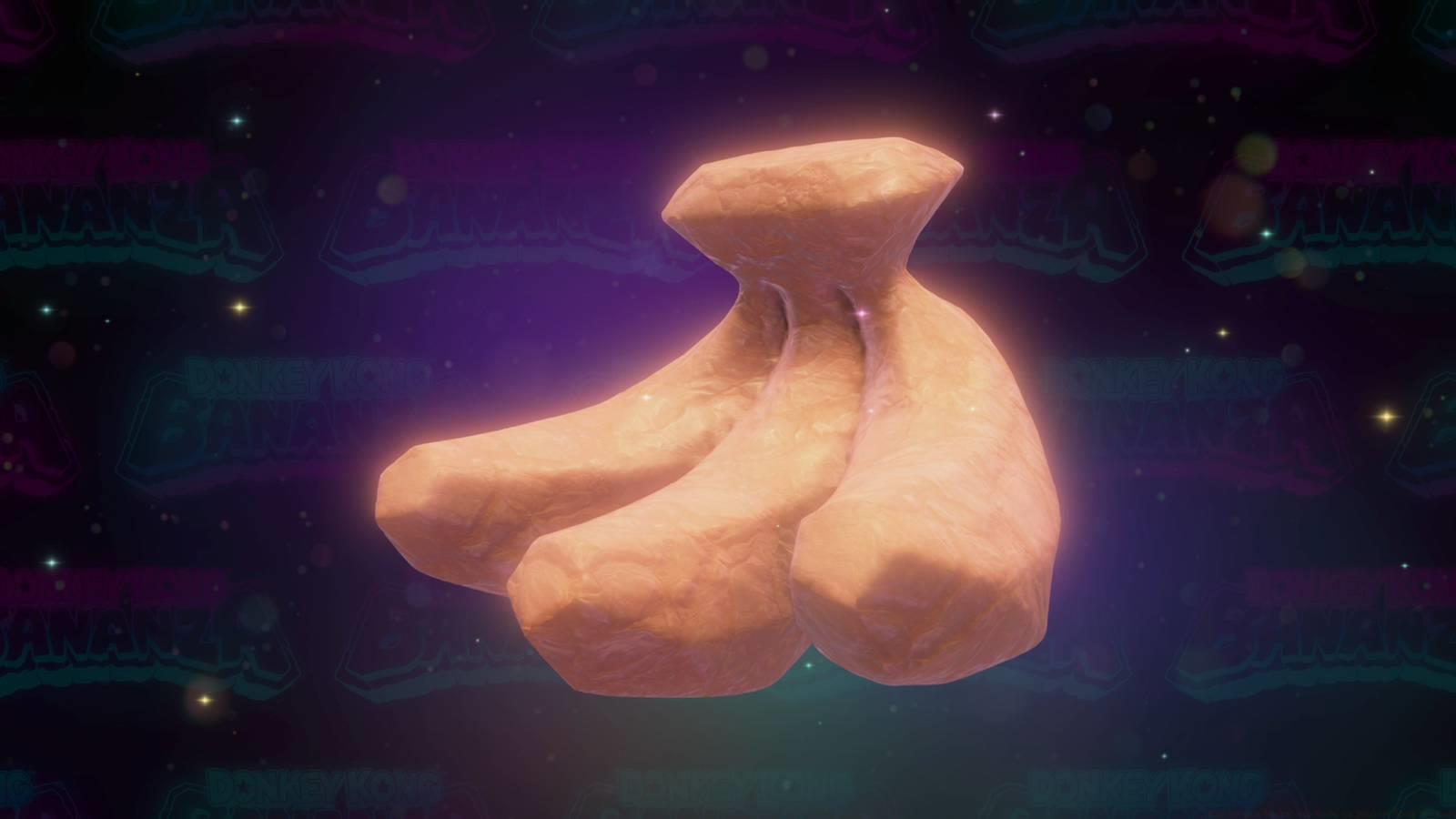
Our comprehensive guide reveals exactly how to unlock this creative sanctuary and master its extensive toolset, ensuring you can maximize your artistic potential within Donkey Kong’s universe.
Gaining entry to DK Artist Mode requires specific navigation rather than conventional game progression. The mode remains completely separate from the main overworld experience, accessible only through precise menu interactions.
Primary Access Method: From the title screen, avoid pressing standard face buttons to start gameplay. Instead, locate and press the ‘+’ button to initiate DK Artist Mode. Visual confirmation appears in the top-right corner of the main menu interface.
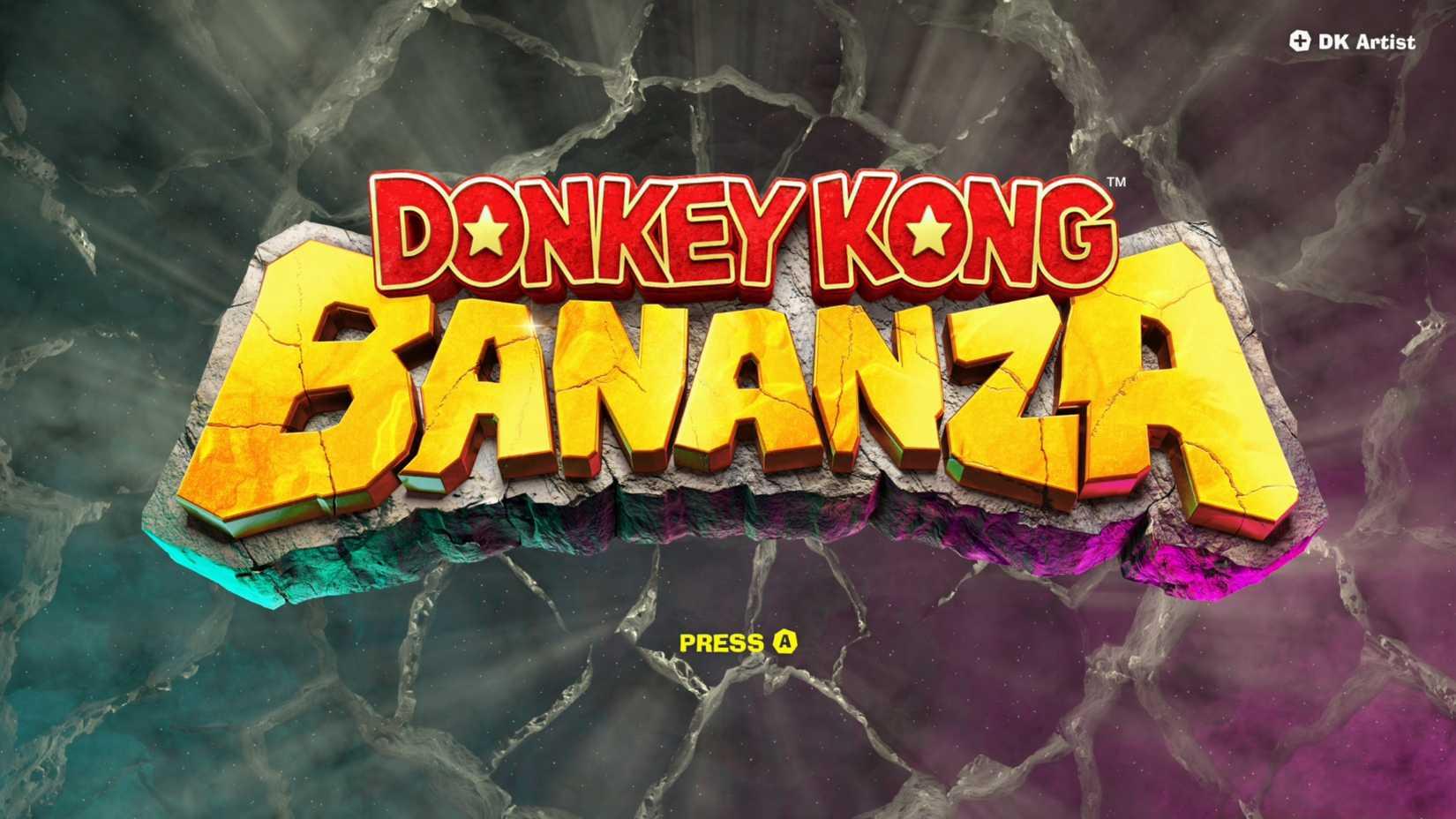
Image: Nintendo EPD/Nintendo via Polygon
Alternative Route: If already immersed in gameplay, access the system menu by pressing ‘+’, navigate to save data management, and select ‘Return to Title Screen.’ This streamlined process typically takes under 15 seconds from in-game to artist mode.
Common Access Errors: Many players mistakenly search for DK Artist within level hubs or pause menus. Remember—this creative space exists outside main progression, similar to how bonus content functions in other Nintendo titles. For broader gaming strategies, consult our Complete Guide to understand how hidden modes enhance gameplay diversity.
Upon entering DK Artist Mode, Donkey Kong Bananza transforms into a sophisticated sculpture simulation. The system generates random 3D models serving as digital canvases for your artistic vision, whether you prefer detailed sculpting or vibrant painting.
Control Scheme Flexibility: While optimized for Nintendo Switch 2 mouse controls for precision work, the mode fully supports traditional controller configurations. This dual-approach design ensures accessibility for all players regardless of preferred input method.
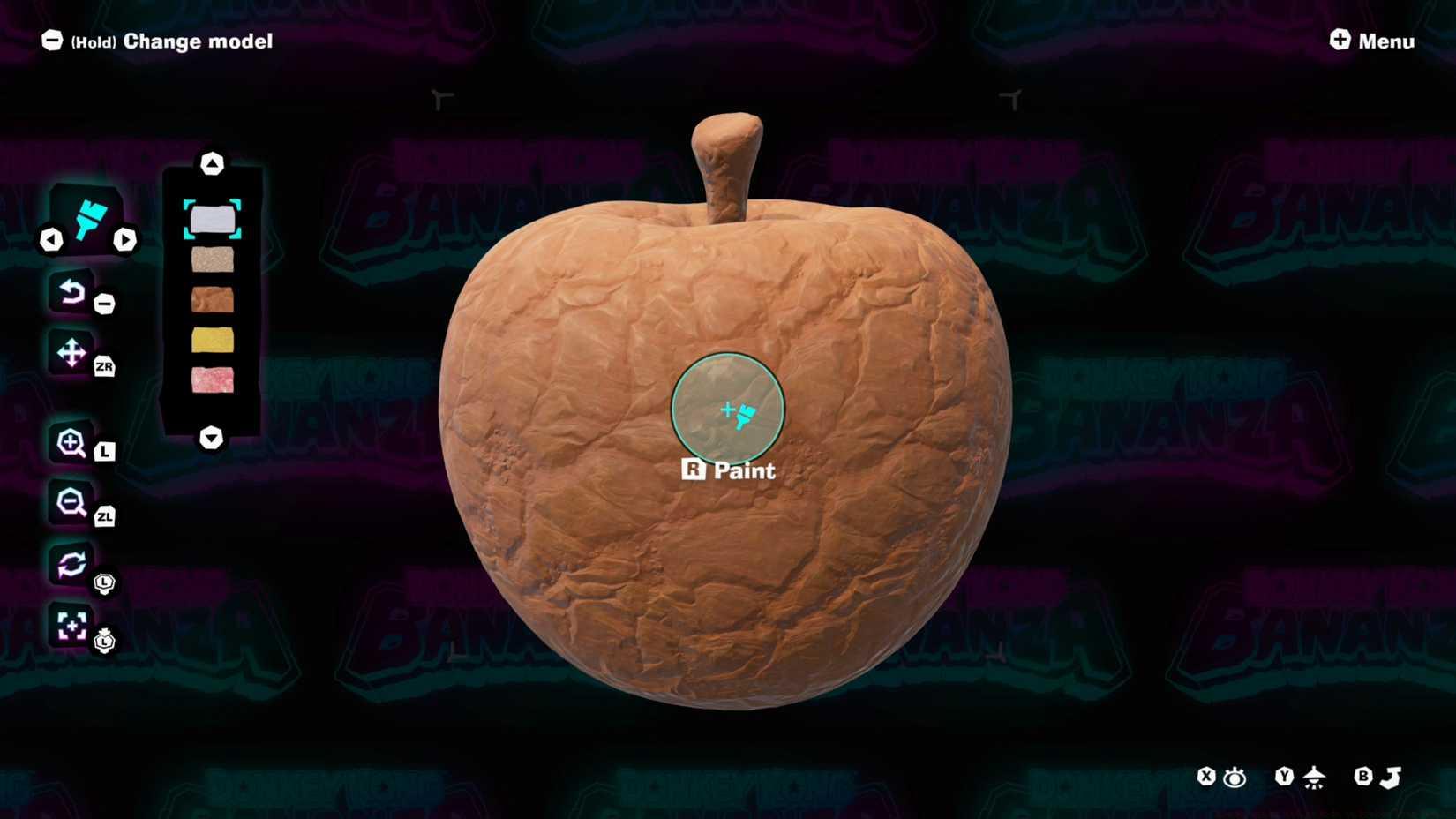
Image: Nintendo EPD/Nintendo via Polygon
Tool Management System:
- Horizontal D-pad buttons cycle through available tools—each optimized for specific sculpting or painting techniques
- Vertical D-pad inputs manage color selection with an extensive palette suitable for various artistic styles
- The minus (-) button provides instant undo functionality, crucial for correcting mistakes without restarting projects
Advanced Techniques: Experienced creators can layer multiple tools for complex effects, similar to professional digital art software. Building texture through successive tool applications creates more dynamic and visually striking artwork. For weapon customization enthusiasts, these skills translate well to systems found in our Weapons Unlock guide for personalized loadouts.
Mastering DK Artist Mode requires both technical knowledge and creative strategy. These professional techniques will elevate your artwork beyond basic experimentation.
Mouse Control Optimization: When using mouse controls, employ short, deliberate strokes rather than continuous movements. This technique improves precision for detailed areas and reduces the need for frequent undo commands. Adjust sensitivity in the Switch 2 system settings if finer control is required.
Efficient Workflow Methods:
- Start with broad sculpting tools before progressing to fine-detail instruments
- Establish color schemes early rather than frequently switching palettes mid-project
- Use the undo feature strategically rather than as a crutch for every minor mistake
Common Creative Pitfalls: Avoid overworking specific areas—step back frequently to assess overall composition. Many beginners focus too heavily on one section, creating imbalance. Remember that random starting models can inspire rather than limit creativity. These strategic principles align with character optimization approaches in our Class Guide for balanced gameplay.
Project Time Management: Simple sculptures typically require 10-15 minutes, while complex pieces may demand 30-45 minutes. Plan sessions accordingly and utilize save features to preserve works-in-progress.
Action Checklist
- Navigate to title screen and press ‘+’ button to access DK Artist Mode
- Familiarize yourself with D-pad tool selection and color palette controls
- Experiment with both mouse and controller schemes to determine preference
- Practice advanced techniques like layering and texture building
- Create a complete sculpture using professional workflow methods
No reproduction without permission:Game Guides » How to use DK Artist Mode in Donkey Kong Bananza Master Donkey Kong Bananza's hidden DK Artist Mode with expert access tips and creative tools guide