
TL;DR
- Jumpthrow binds automate grenade throws for perfect timing and distance consistency
- Setup requires specific console commands and proper key binding configuration
- The technique is currently legal in CS2 across all major competitive platforms
- Binds may reset after game restart, requiring reconfiguration
- Mastering jumpthrows provides significant tactical advantages in competitive play
Games and Esports Articles CS 2
Counter-Strike 2 players have developed an efficient method to execute perfect grenade throws using automated jumpthrow binds. This advanced technique originated from community discoveries and was popularized by player RemIx through social media platforms.
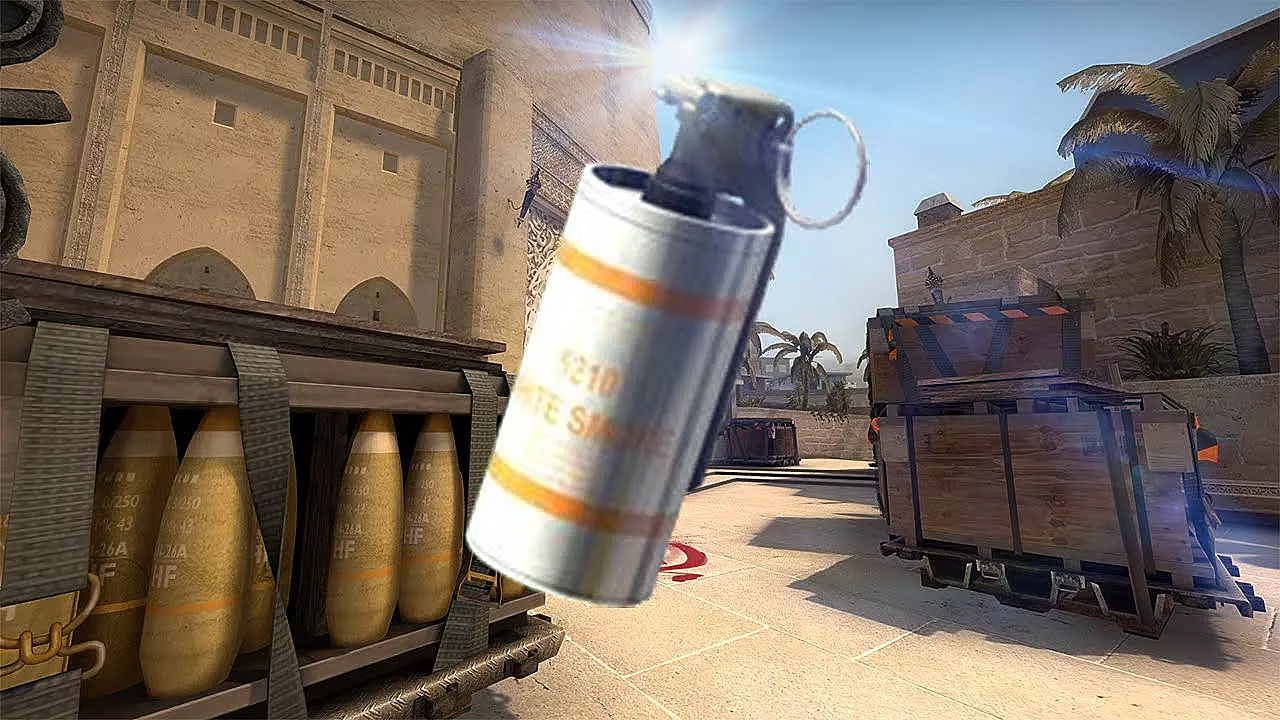
A jumpthrow represents a specialized movement action that synchronizes jumping with grenade release timing. This combination generates significantly increased throwing distance compared to standard stationary throws. When performed manually, the technique demands frame-perfect coordination between jump initiation and attack release commands.
The primary advantage of jumpthrow automation lies in eliminating human timing inconsistencies. Manual execution introduces variable results due to the narrow timing window, while binds guarantee identical trajectory outcomes every time. This consistency proves crucial for executing smoke grenade lineups and flashbang strategies in high-pressure competitive situations.
How to bind jumpthrow in CS2
Begin by activating the developer console interface using the tilde key (~). If this functionality remains disabled, navigate through the game menu by pressing Escape, selecting Settings, then Game options to enable console access.
Execute these console commands sequentially to establish your jumpthrow bind configuration:
- alias “+boing” “+jump”
- alias “+ding” “-attack; -attack2”
- alias “+dong” “-jump”
- bind X “+boing; +ding; +dong” (substitute X with your preferred activation key)
For optimal performance, assign the bind to easily accessible keys like mouse side buttons, function keys, or numeric pad keys. Avoid using movement-critical keys that might interfere with gameplay mechanics.
Many users report configuration persistence issues where the bind disappears following game restart. You may need to re-enter the console commands after each login session until permanent solutions become available.
Addressing configuration persistence represents the most frequent challenge with jumpthrow binds. Some players create autoexec configuration files to automatically reload settings, while others utilize third-party tools for bind management. Always verify your bind functionality at the beginning of each gaming session.
For players seeking alternatives, consider practicing manual jumpthrow timing through extensive repetition in offline practice modes. While less consistent, manual execution develops fundamental timing skills that transfer to other gameplay aspects.
Develop consistent practice routines by dedicating 10-15 minutes daily in custom maps focusing on common grenade spots. Popular practice destinations include Mirage window smokes, Inferno balcony flashes, and Overpass connector molotovs.
Advanced tactical applications include using jumpthrow binds for precise smoke grenade lineups that block enemy vision at critical map locations. Mastering these techniques can significantly elevate your team’s strategic capabilities during competitive matches.
Common execution errors involve incorrect command sequencing, improper key binding, or timing miscalculations. Always test new binds in harmless environments before deploying them in ranked gameplay situations.
Is the Jumpthrow bind legal?
Yes! Valve explicitly permits jumpthrow bind usage in CS2 matchmaking, and major competitive platforms including FACEIT and ESEA maintain approval for this automation technique. Professional tournament organizers also allow jumpthrow binds in official competitions, making them standard tools among elite players.
However, this acceptance represents a relatively recent development in competitive Counter-Strike history. Prior to 2019, many tournament rulebooks prohibited jumpthrow automation, requiring manual execution during official matches.
The historical restriction period forced professional competitors to develop exceptional manual timing skills through thousands of hours of dedicated practice. This historical context explains why some veteran players maintain manual execution proficiency despite current permissions.
Current competitive landscape analysis confirms jumpthrow bind acceptance across all major esports organizations. This standardization reflects recognition of the technique as a legitimate skill-based automation rather than an unfair advantage.
For players concerned about rule compliance, always verify current tournament regulations before participating in official competitions. Most organizers now explicitly state jumpthrow bind permissions in their official rule documentation.
What’s new in CS2 matchmaking? How new ranking system works with CS rating and world leaderboards in CS2
Time to fight for the place among the best.
Action Checklist
- Enable developer console in game settings menu
- Execute console commands in correct sequence
- Test bind functionality in offline practice mode
- Practice common grenade lineups using the new bind
- Verify bind persistence after game restart and re-configure if needed
No reproduction without permission:Game Guides » How to do jumpthrow bind in CS2. How to throw grenades with single key bind in CS2 Master CS2 jumpthrow binds for consistent grenade throws and competitive advantage with this comprehensive guide