
TL;DR
- Activate first-person mode on PC with Ctrl+Shift+R or via Konami code sequences on consoles
- Switch between camera perspectives using mouse scroll wheel on PC for dynamic viewpoints
- Discover hidden interactive elements and photo opportunities throughout Roman settlements
- Overcome controller limitations with hybrid PC-controller setups for optimal flexibility
- Capture stunning screenshots by adjusting time of day and weather conditions strategically
Experience your meticulously crafted Roman empire through the eyes of your citizens
First-person mode represents Anno 117: Pax Romana‘s most immersive hidden feature. Unlike standard gameplay mechanics that are clearly documented, this perspective remains intentionally concealed within the interface and control mappings. However, dedicated players can absolutely navigate their settlements as if they were residents—similar to the exploration functionality available in Anno 1800.
This comprehensive guide reveals precise activation methods for first-person mode in Anno 117: Pax Romana, enabling you to witness the stunning landscapes of Latium and Albion from ground level.
To initiate first-person perspective on PC platforms using keyboard controls, simultaneously press the “Ctrl”, “Shift”, and “R” keys. This three-key combination instantly transitions your viewpoint from the traditional god perspective to street-level immersion.
To activate first-person mode on gaming consoles (specifically PlayStation 5 and Xbox Series X) using controller input, you must execute a sequence reminiscent of the legendary “Konami code”—a famous button pattern historically used as secret functionality in numerous video games.
The directional sequence remains consistent across all controller types, though button nomenclature differences create slight variations during the final input phase. Utilize the directional pad on your controller’s left side to complete the “up, down, left, right” segment, then transition to the face buttons for the concluding portion of the sequence.
Pro Tip: Execute the button sequence deliberately rather than rapidly—rushing inputs may cause the game to miss recognition of the secret code. Practice the pattern in a quiet settlement area before attempting during busy gameplay moments.
To engage third-person perspective, employ identical button combinations as previously outlined. After successfully entering first-person mode on PC, you can utilize the mouse scrolling wheel to seamlessly transition between first-person and third-person viewpoints, providing dynamic camera control during exploration.
Regrettably, console players encounter limitations regarding perspective switching while using controllers exclusively. The functionality to alternate between first-person and third-person views appears restricted on PlayStation and Xbox platforms without additional input methods. However, resourceful PC gamers can leverage a hybrid control approach: utilize the scroll wheel for zoom adjustment, then continue navigation using a connected controller for third-person exploration.
Advanced Strategy: For optimal photographic opportunities, combine first-person immersion with strategic time-of-day adjustments. The golden hour (just after dawn or before dusk) provides exceptional lighting for capturing your settlement’s architectural details and atmospheric conditions.
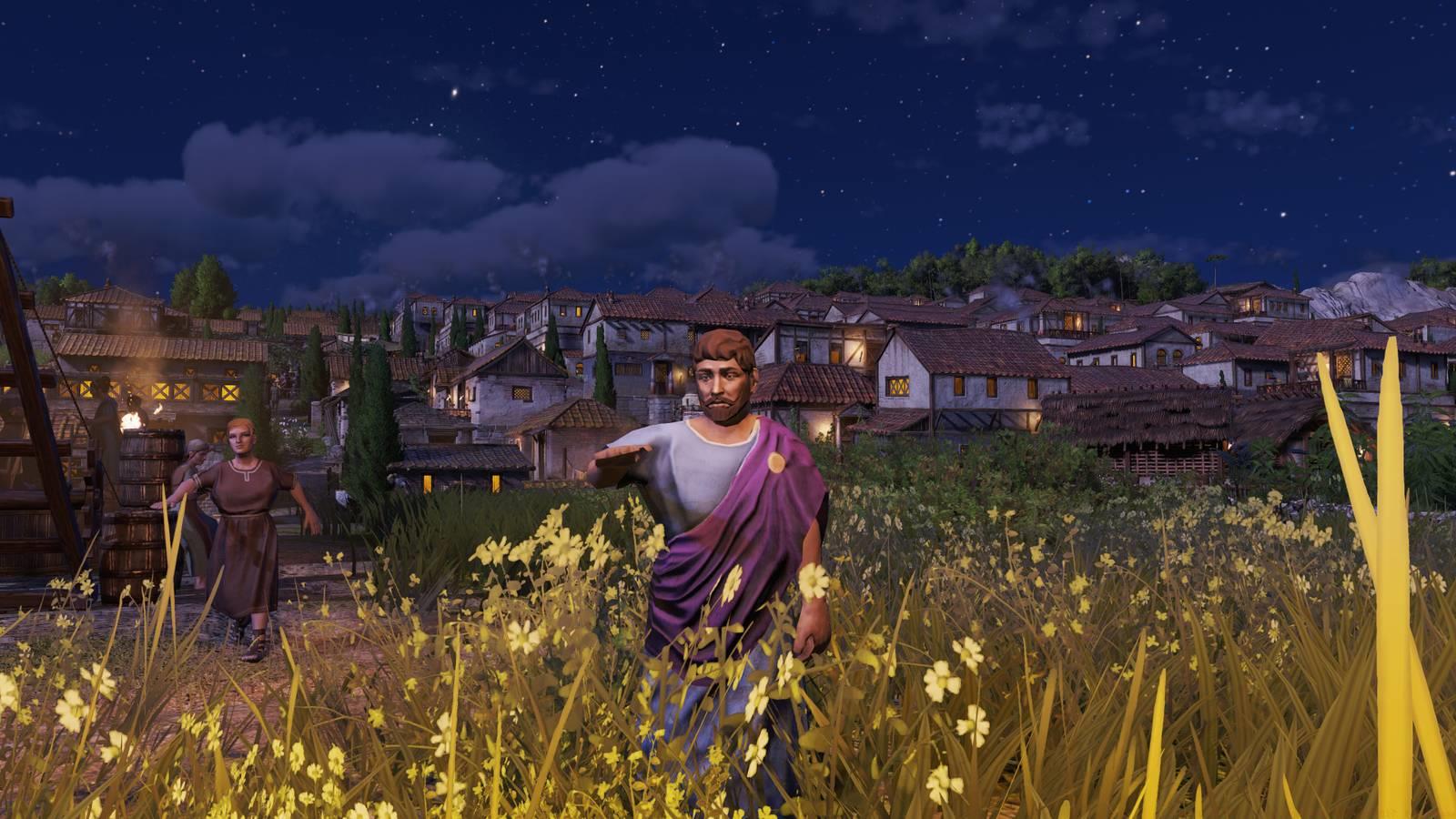
Common Pitfall Avoidance: Many players mistakenly believe the camera modes affect gameplay mechanics—they’re purely visual perspectives. Your construction, resource management, and citizen happiness systems operate identically regardless of your chosen viewpoint. This understanding is crucial when consulting our Complete Guide for broader gameplay strategies that complement visual exploration.
Hidden Interactive Elements: While exploring in first-person mode, pay close attention to environmental details. Certain buildings and landmarks contain subtle interactive elements that remain invisible from the standard overhead perspective. Roman temples, marketplaces, and residential districts often feature unique visual details only appreciable at ground level.
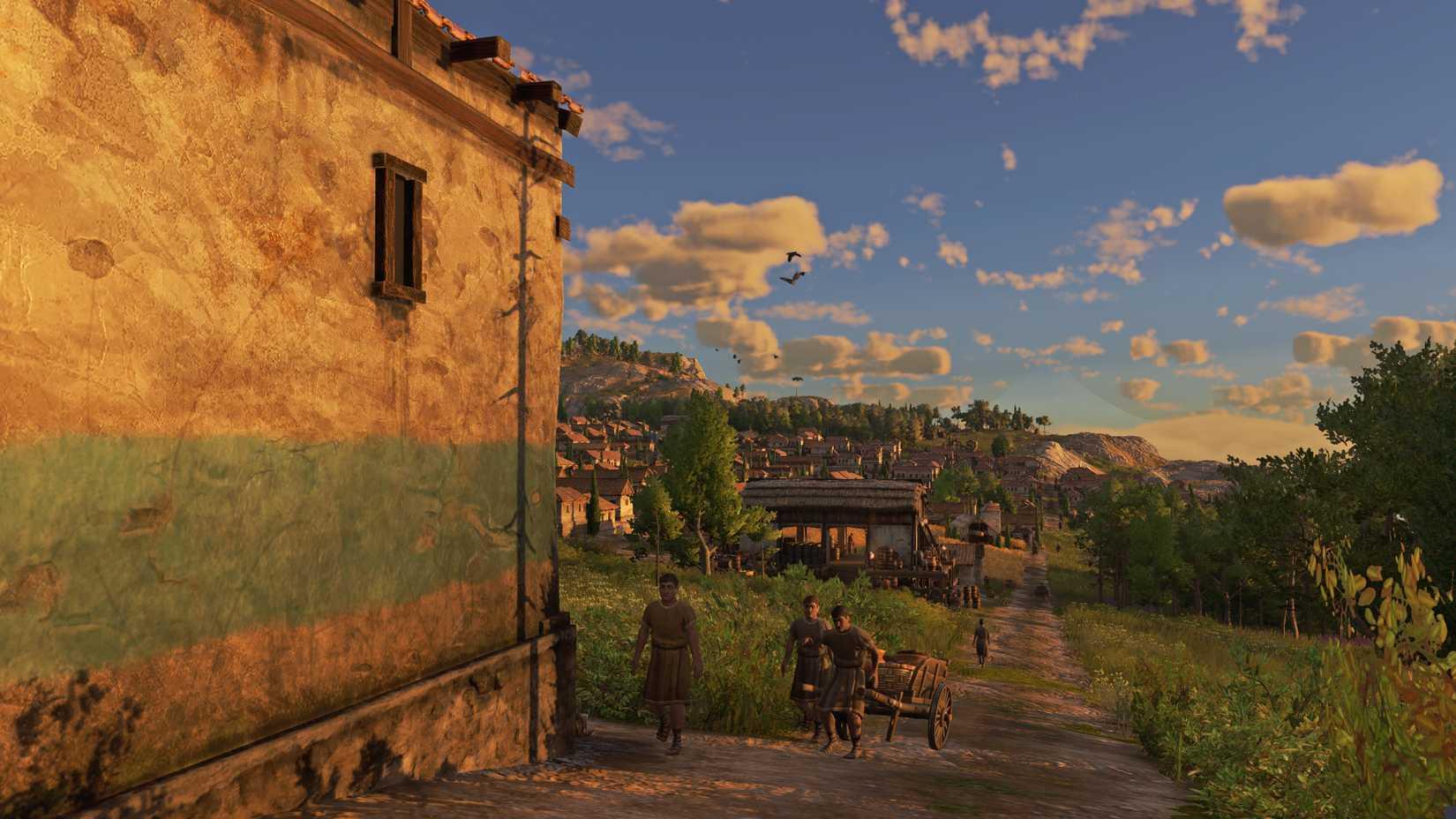
Image: Ubisoft via Polygon
Performance Optimization: First-person exploration can impact performance on lower-end systems. Consider adjusting shadow quality and draw distance specifically when using this mode, as these settings most significantly affect street-level rendering. For players who prioritize visual fidelity, our Weapons Unlock guide includes complementary performance tuning techniques applicable across different game modes.
Exploration Checklist: When embarking on first-person tours of your settlement, ensure you visit the harbor during peak trading hours, observe religious ceremonies at temples, and witness the daily routines of your citizens. These moments provide invaluable feedback about your city’s functionality and aesthetic appeal.
Strategic Application: Beyond mere sightseeing, first-person exploration serves practical purposes. Identifying traffic congestion points, assessing building placement aesthetics, and detecting visual anomalies in resource production chains become significantly easier when experiencing your city from within. These observational skills translate well to other strategic elements discussed in our Class Guide for comprehensive gameplay mastery.
Community Discoveries: Player communities continue uncovering new first-person secrets, including rare weather effects, seasonal changes, and hidden architectural details that only appear under specific conditions. Regular exploration during different in-game time periods maximizes discovery opportunities.
Action Checklist
- Memorize platform-specific activation codes (PC: Ctrl+Shift+R, Consoles: Konami sequence)
- Practice perspective switching with mouse scroll wheel on PC for fluid transitions
- Explore settlements during golden hour lighting for optimal screenshots
- Adjust shadow and draw distance settings to optimize first-person performance
- Document hidden interactive elements discovered during ground-level exploration
No reproduction without permission:Game Guides » How to enter first-person mode in Anno 117: Pax Romana Master hidden camera modes in Anno 117: Pax Romana with expert controls and immersive exploration techniques