
TL;DR
- VTMB2 lacks manual saves, requiring UE4SS framework and manual save mod installation
- Installation involves extracting files to specific game directories and verifying proper setup
- Use F5/F9 for quick saves and numkeys for multiple save slots
- Avoid saving during cutscenes, dialogues, or specific quests to prevent issues
- Game may freeze briefly during saves – this is normal with current mod version
Games and Esports Articles
Many players have expressed frustration with Vampire: The Masquerade — Bloodlines 2‘s restrictive checkpoint-based saving approach. Unlike traditional RPGs that allow saving anytime, VTMB2 employs predetermined save points that can lead to significant progress loss. This design choice becomes particularly problematic during difficult combat sequences or complex dialogue trees where a single wrong choice could mean repeating substantial gameplay segments.
The absence of manual saving fundamentally changes how players approach the game, forcing conservative playstyles and discouraging experimentation with different narrative paths or combat approaches. For completionists and players who enjoy exploring multiple story branches, this limitation presents a major obstacle to fully experiencing the game’s rich content.
Currently, the only reliable method to enable manual saving in VTMB2 involves utilizing third-party modifications. The primary solution available is the UE4SS framework combined with a dedicated manual save mod, though it’s important to note this solution remains in active development with potential stability considerations.
UE4SS (Unreal Engine 4 Scripting System) serves as the foundational framework that enables mod functionality. The manual save mod specifically targets the game’s save system, intercepting save commands and redirecting them to function outside the intended checkpoint restrictions.
Begin by acquiring the UE4SS framework from the official GitHub repository. Navigate to the releases section and locate the Assets dropdown menu to access downloadable files.
- Download UE4SS using this link. Scroll down until you see Assets, then expand that section to reveal available files.
- File naming conventions may vary slightly between versions, but typically follow patterns like UE4SS_v3.0.1 – ensure you select a stable release version rather than development builds.
- Verify you’re installing a properly versioned release; avoid selecting Dev versions as these may contain unstable features or compatibility issues.
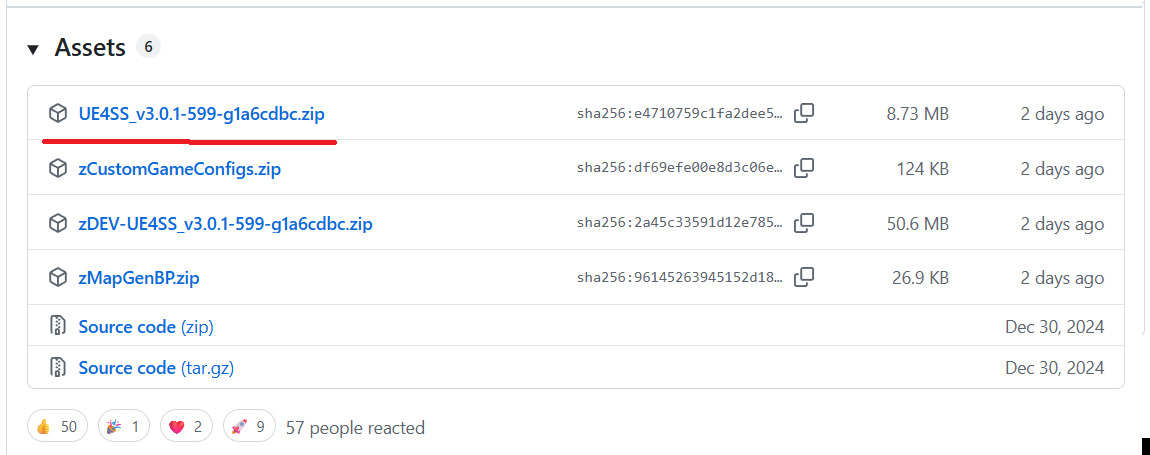
- Extract the complete contents from the downloaded zip archive directly into your main game installation directory, specifically targeting the path ending with Bloodlines2BinariesWin64
- Launch the game normally to initialize the mod framework – this creates necessary directory structures.
- Download and extract the Manual Save mod (preserving the folder structure, not individual files) into the newly generated Mods folder located at Bloodlines2BinariesWin64Mods
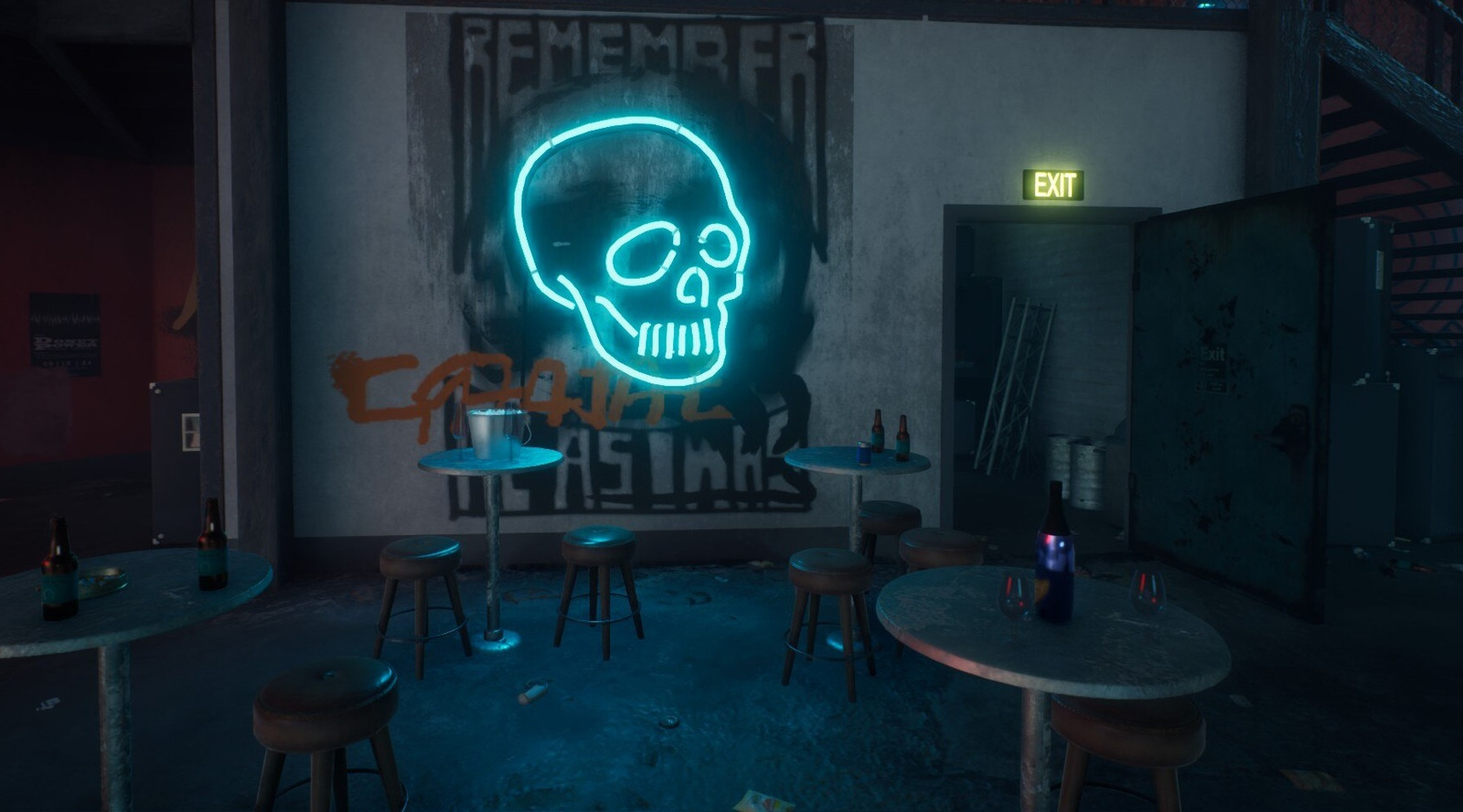
Once successfully installed, the manual save system provides comprehensive save management through intuitive keyboard shortcuts that significantly enhance gameplay flexibility.
- F5 — Instant quicksave functionality
- F9 — Immediate quickload from most recent save
- Numkey 1-9 — Dedicated save slots for organized progression tracking
- ALT + Numkey 1-9 — Direct loading from specific numbered save slots
The multiple save slot system enables players to maintain separate save points for different story branches, character builds, or before significant decisions. This is particularly valuable for experiencing the game’s multiple narrative outcomes without requiring complete playthrough repetition.
Exercise caution regarding when and where you initiate saves to prevent potential game instability or save file corruption. Avoid saving during active cutscenes, interactive dialogue sequences, combat encounters, or specifically during quests involving the character Niko.
When activating the save function, expect a momentary game freeze as the mod processes the save operation – this behavior is normal with the current iteration. The mod developer has acknowledged this issue and continues working on optimization solutions for future releases.
For players interested in broader gameplay enhancements beyond saving, our Class Guide offers valuable insights into character specialization strategies that complement flexible saving approaches.
Action Checklist
- Download stable UE4SS release from GitHub assets section
- Extract UE4SS to Bloodlines2BinariesWin64 directory
- Launch game briefly to generate Mods folder, then close
- Install manual save mod into newly created Mods folder
- Test save functionality using F5/F9 keys in safe locations
- Create multiple save slots using numkeys before major decisions
No reproduction without permission:Game Guides » How to manually save game in Vampire: The Masquerade Bloodlines 2. Guide to unlimited saving in VTMB2 Complete guide to installing and using manual save mods in Vampire: The Masquerade Bloodlines 2