
TL;DR
- Choose between 4-player personal servers or 32-player dedicated servers for different multiplayer experiences
- Guild membership determines base collaboration – separate guilds allow independent base building
- Always verify multiplayer is enabled in world settings if invite codes aren’t appearing
- Dedicated servers currently Steam-only, limiting cross-platform play options
- Coordinate boss fights and resource gathering for maximum cooperative efficiency
What cooperative adventures await in Palworld’s multiplayer mode?
Palworld, the creature-collecting survival adventure, features robust multiplayer functionality that transforms the solo experience into a shared journey. While the game lacks competitive PvP combat, it excels at cooperative base building, creature hunting, and boss encounters. Understanding the multiplayer structure is crucial for maximizing your collaborative gameplay potential.
The social dimension significantly enhances Palworld’s appeal, making resource gathering and exploration more engaging. This guide breaks down the multiplayer systems to help you navigate connection options and gameplay mechanics effectively.
You have two primary connection methods: personal save files supporting up to four adventurers, or dedicated servers accommodating larger groups of 32 players. For personal sessions, the host shares an invite code located in the options menu, which guests input to join the shared world.
If the invitation code fails to display, the host should verify the multiplayer toggle in world configuration settings. Each new gaming session generates a fresh code, requiring redistribution to all participants. This security measure prevents unauthorized access to your ongoing adventures.
Dedicated server options include joining public communities, self-hosting through technical setup, or utilizing paid hosting services for convenience. Third-party hosting typically provides the most reliable experience with minimal technical requirements for players.
Currently, dedicated server access remains exclusive to Steam platforms, creating platform limitations for larger group sessions. Xbox and Game Pass users are restricted to four-player personal servers until cross-platform dedicated servers become available.

Cooperative gameplay introduces significant mechanical differences from solo adventures. Understanding these systems ensures smooth collaboration and prevents frustration during shared sessions.
Strategic boss combat becomes more accessible with coordinated teams. Tower bosses like Zoe and Grizzbolt can be challenged collectively, allowing for specialized roles during encounters. Designate team members for tanking, damage dealing, and support functions to optimize these difficult battles.
The guild system serves as Palworld’s party mechanism, critically impacting base collaboration. Only guildmates can contribute to construction projects and resource management within your base perimeter. This creates important strategic decisions about guild composition and base ownership.
For friends wanting autonomous base development, separate guild membership is essential. Independent guilds allow players to establish unique headquarters while still collaborating on exploration and combat. Consider creating alliance systems between guilds for resource sharing and mutual protection.
Resource distribution requires planning in multiplayer sessions. Shared storage containers and coordinated gathering assignments prevent duplication of effort. Establish clear resource management protocols early to maximize efficiency across your team.
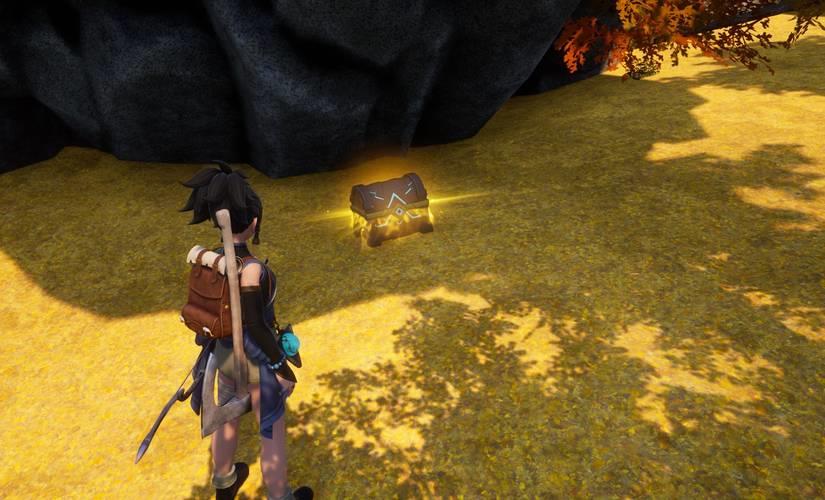
Progression systems maintain individual character development while sharing world state. Each player levels independently, but world bosses defeated remain defeated for all participants. This balanced approach preserves personal achievement while encouraging cooperative world advancement.
Connection problems can disrupt multiplayer sessions, but most issues have straightforward solutions. Understanding common pitfalls helps maintain stable gaming experiences with friends.
The ‘prevented from playing multiplayer’ error typically stems from incorrect world settings or platform restrictions. Hosts must explicitly enable multiplayer during world creation or through settings modification. Double-check this fundamental setting before investigating more complex network issues.
Invitation code failures often relate to network address translation (NAT) restrictions or firewall configurations. Ensure all players have open network connections and consider using VPN services if persistent connectivity problems occur. Restarting the game session frequently resolves temporary code generation issues.
Platform limitations create the most significant multiplayer barriers. The dedicated server discrepancy between Steam and other platforms means mixed-platform groups cannot access 32-player sessions. Until crossplay implementation expands, coordinate platform choices with your regular playing group during the Battlefield 6 pre-release excitement period.
Performance optimization becomes crucial in populated servers. Reduce graphical settings during large-scale activities and coordinate base locations to distribute rendering load. Strategic base placement prevents server lag during intensive crafting or creature management sessions.
Cross-platform functionality remains limited in Palworld’s current development state, affecting multiplayer options across different gaming ecosystems.
Steam players enjoy the most flexible multiplayer access with both personal and dedicated server options. The Steam workshop integration and modding support further enhance the multiplayer experience through community content.
Xbox and Microsoft Store versions currently support only four-player personal servers without dedicated server access. This limitation significantly restricts group size for console and Game Pass participants. Crossplay between Xbox and PC exists but only within the constrained four-player personal server framework.
Future updates may expand crossplay capabilities, mirroring trends in other major titles. The developers have indicated awareness of community demand for unified multiplayer experiences across all platforms. Monitor official announcements for crossplay development progress.
For mixed-platform groups, strategic session planning maximizes available options. Rotate hosting responsibilities between platform types or establish regular smaller sessions that work within current limitations. These workarounds maintain social gaming despite technical constraints.
Considering multiplayer options in Palworld can help inform your approach to upcoming titles like BF6, where understanding platform limitations and connection methods will be equally important for squad-based gameplay.
Action Checklist
- Verify multiplayer enabled in world settings before hosting
- Decide between 4-player personal server or 32-player dedicated server based on group size
- Establish guild structure – unified for collaborative bases or separate for independent development
- Coordinate platform choices with regular play group to avoid crossplay limitations
- Set resource management protocols and base location strategies to optimize performance
No reproduction without permission:Game Guides » How to play Palworld multiplayer with friends Master Palworld multiplayer with expert tips for guilds, servers, and cross-platform limitations